Building a High-Speed Network with MoCA: Setup, Standards, and Best Practices
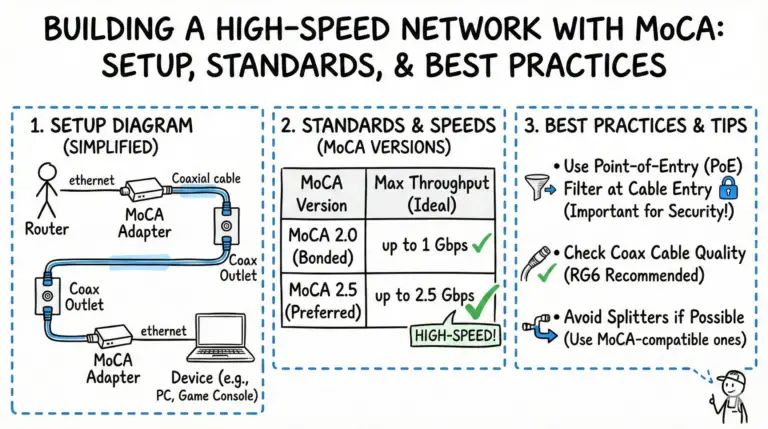
A clear, step‑by‑step MoCA 2.5 guide covering setup, splitter ratings, PoE filter placement, duplex mode, adapter selection, and troubleshooting.

A clear, step‑by‑step MoCA 2.5 guide covering setup, splitter ratings, PoE filter placement, duplex mode, adapter selection, and troubleshooting.
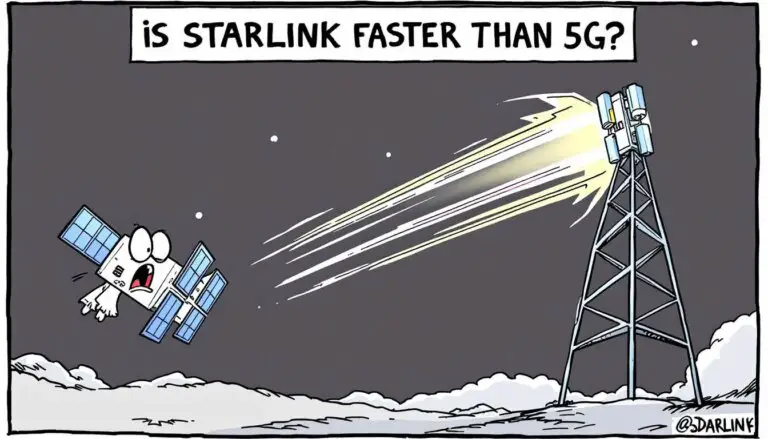
Short answer: In cities with strong mid‑band or mmWave 5G, 5G is usually faster. In rural or remote areas, Starlink is often more reliable. See current 2025 speeds, latency, and costs below.
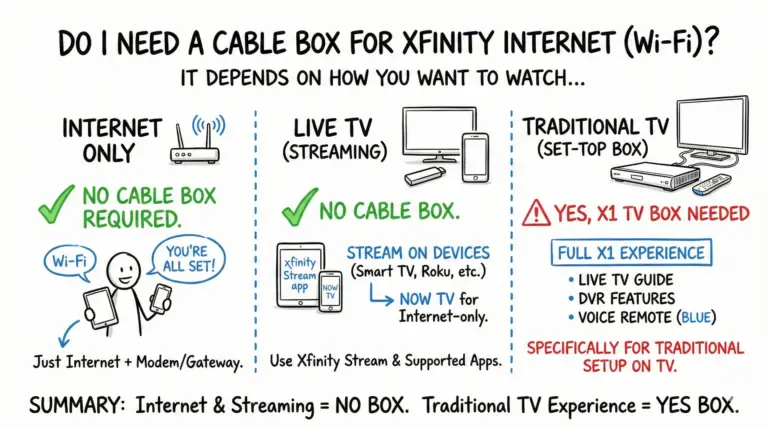
You don’t need a cable box for Xfinity Internet. Stream live TV with the Xfinity Stream app or NOW TV on supported devices. Choose an X1 box only if you want the traditional set‑top experience with the full X1 guide and DVR on your TV.
Can I get Wi-Fi without an internet provider? Yes! Learn about hotspots, public Wi-Fi, mesh, community networks and more.
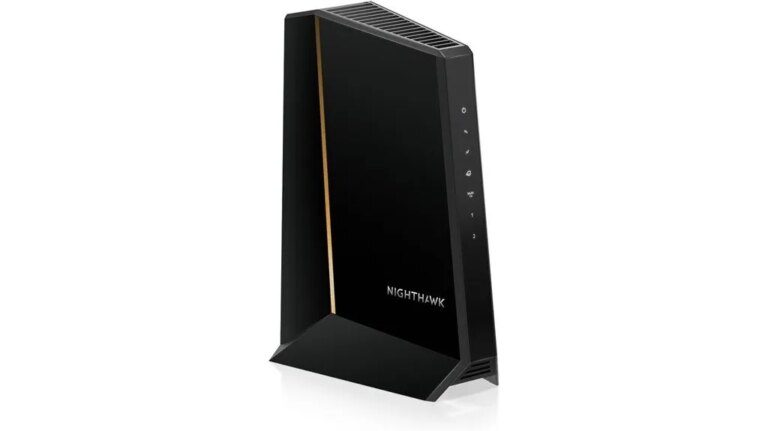
Get ready to explore the NETGEAR Nighthawk CM3000's impressive speed and features, but what challenges might users face?

Many users praise the NETGEAR Nighthawk CM1200, but is its performance and value truly worth the investment? Discover more inside!
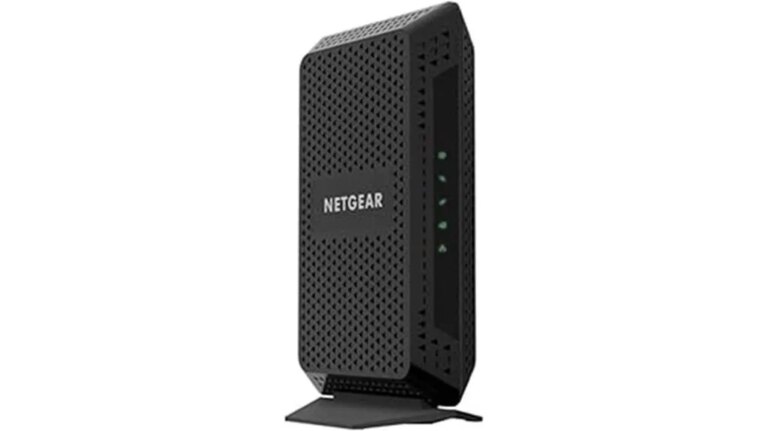
Keen to enhance your internet experience? Discover how the NETGEAR CM600 could save you money while boosting your speed and performance.
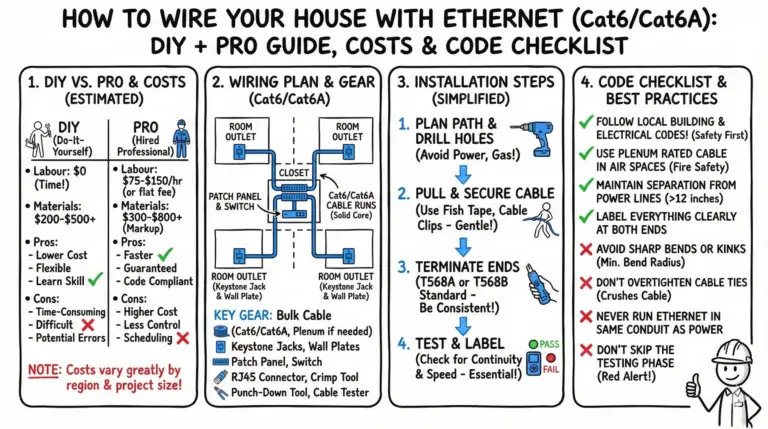
A practical, code‑aware guide to wiring your home with Ethernet: plan a star‑topology, choose Cat6 or Cat6A, use solid copper cable, and terminate/test correctly.
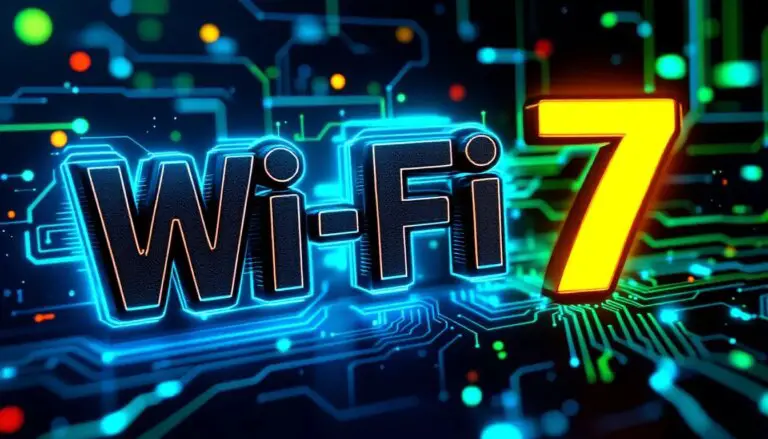
Wi-Fi 7 is the newest version of Wi-Fi, bringing super-fast internet speeds up to 46 Gbps. It works on several channels, including 2.4 GHz, 5 GHz, 6 GHz, and possibly 7 GHz, making it better and faster.
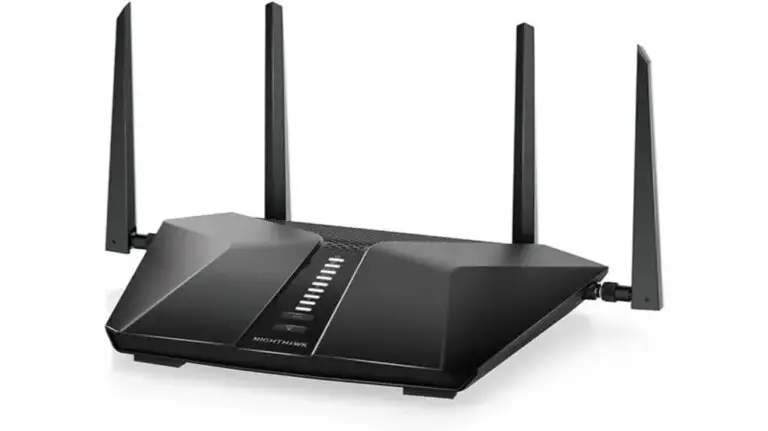
Looking for a powerful router that can handle your smart home devices? Discover why the NETGEAR Nighthawk WiFi 6 Router might be your best option.