The Complete and Latest 2026 Guide to Mastering Xfinity Bridge Mode
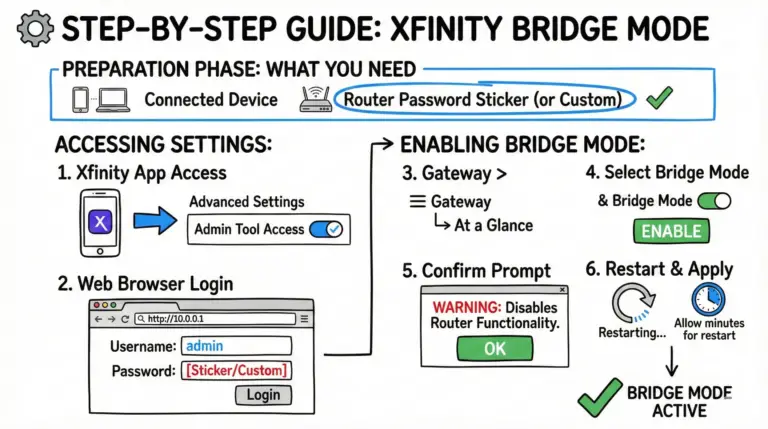
A practical, up-to-date walkthrough for turning Xfinity Bridge Mode on or off, connecting your own router the right way, and avoiding double NAT and feature conflicts.

Internet Services – Xfinity
A practical, up-to-date walkthrough for turning Xfinity Bridge Mode on or off, connecting your own router the right way, and avoiding double NAT and feature conflicts.
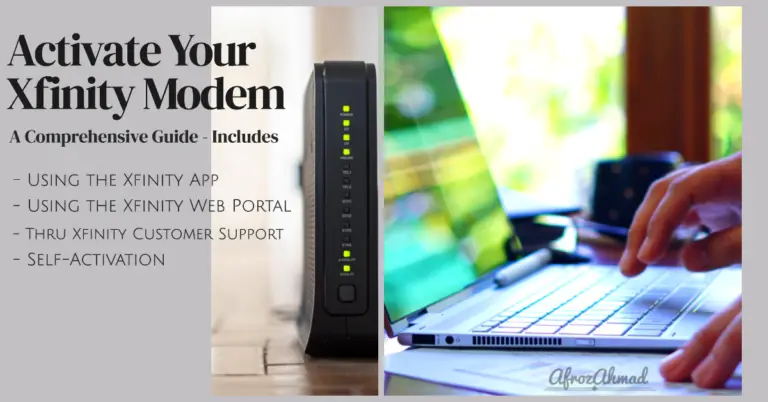
Set up and activate Xfinity Internet in about 10–20 minutes. This guide shows how to connect by coax or fiber/ONT, use the Xfinity app to activate, customize Wi‑Fi, verify speeds, and fix common issues.
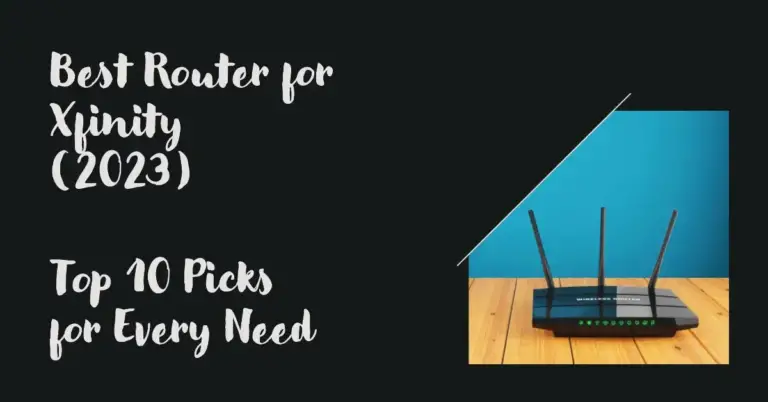
Slow Xfinity internet? It may be your router. Compare the 11 best routers for Xfinity in 2025, including budget, gaming, mesh, and multi‑gig options.
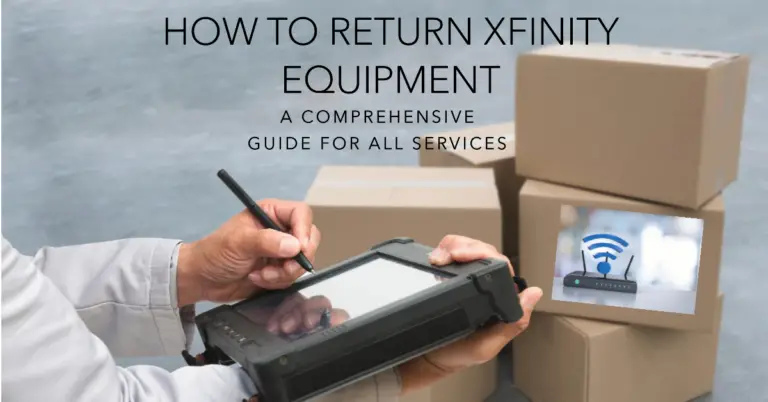
A clear, step-by-step guide to return Xfinity equipment—what to bring, where to go, deadlines, fees, and how to fix label or device‑not‑listed issues.
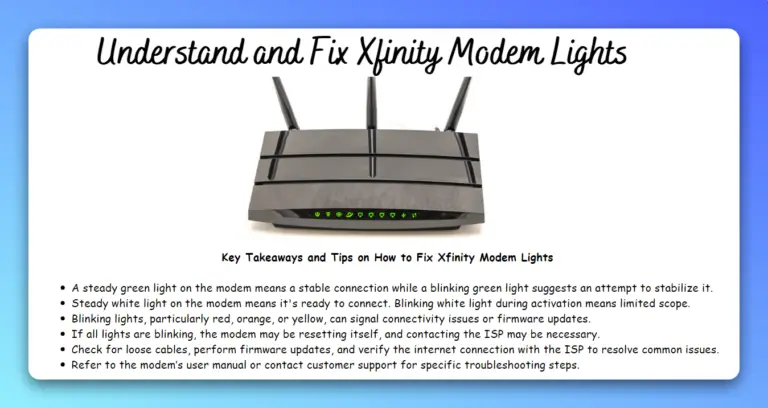
Learn what the lights on Xfinity xFi Gateways (XB8/XB7) and telephony gateways (TG1682) really mean. See solid white vs. green, amber/green patterns, blue WPS, and red—plus quick, model‑specific fixes.
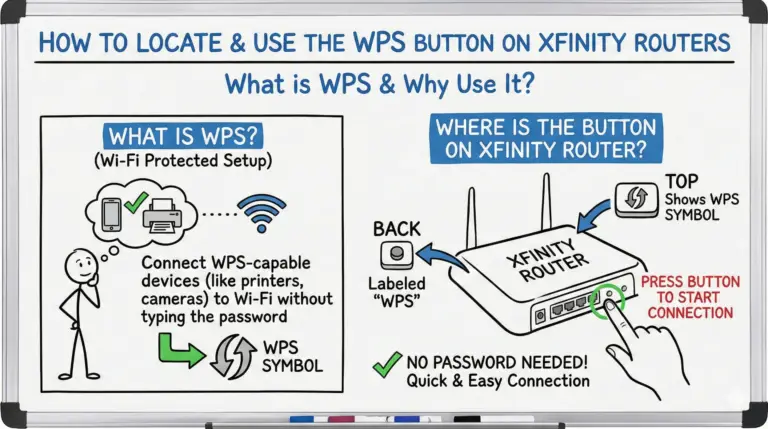
Learn where the WPS button is on Xfinity gateways (Wireless Gateway 2/3, XB6, XB7, XB8, XB10) and how to use it. Includes Windows 11 push‑button steps, LED meanings, WPA3 compatibility notes, and quick fixes.