TP-Link Router Red Light: What It Means and How to Fix It
A red light on a TP-Link router is the Internet LED: the router is running but has no internet from the modem or line. The five checks that fix it, in order.

A red light on a TP-Link router is the Internet LED: the router is running but has no internet from the modem or line. The five checks that fix it, in order.
Log in to your TP-Link router at tplinkwifi.net or 192.168.0.1: the default addresses, which admin password to use, and fixes when the login page will not load.
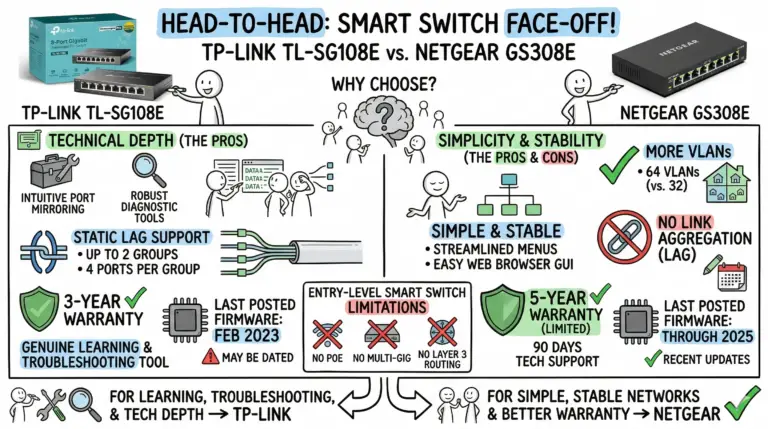
Side‑by‑side look at TL‑SG108E and GS308E with the decisive differences up front: link aggregation support, VLAN limits, warranties, and firmware status.
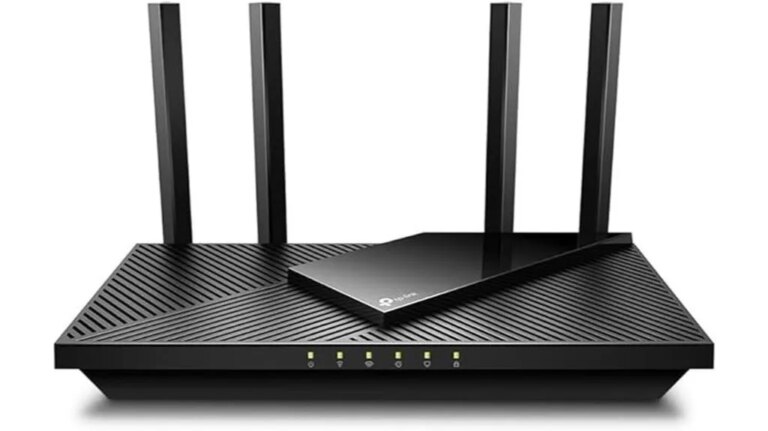
Check out our review of the TP-Link AX1800 WiFi 6 Router, where its impressive features might just change your internet experience forever.
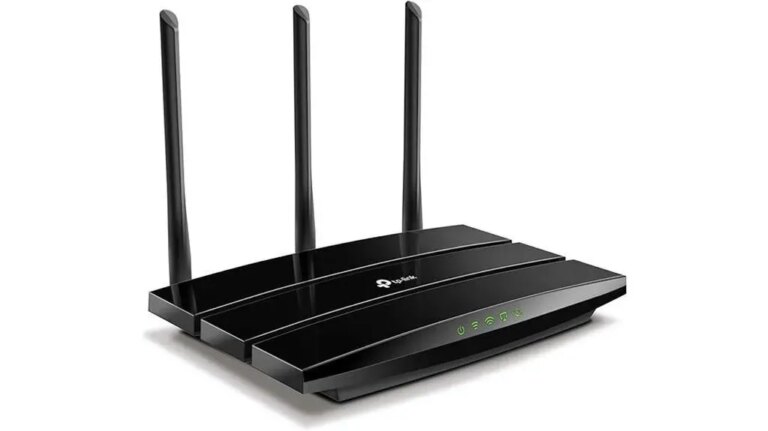
Fulfill your WiFi needs with the Archer A8's exceptional range and performance, setting a new standard for connectivity solutions.
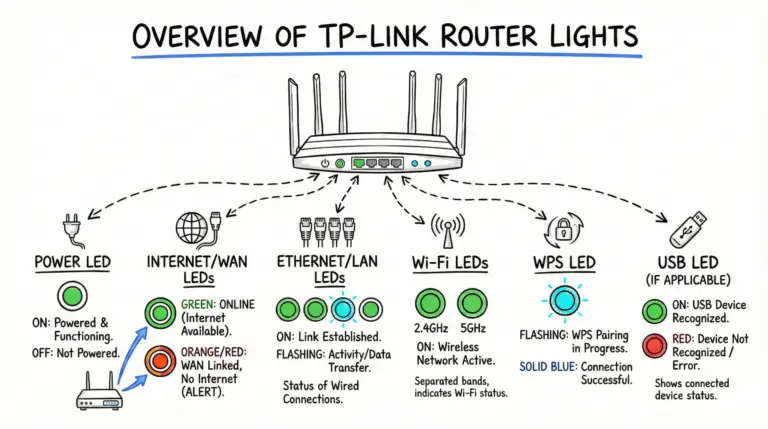
A clear, model‑aware guide to TP‑Link router LEDs—what green, orange/red, and flashing lights mean on Archer and Deco models, plus quick troubleshooting steps.

Tired of unreliable Wi-Fi? Discover if the Deco X55 Pro truly delivers on its promise of top-notch performance in this review.
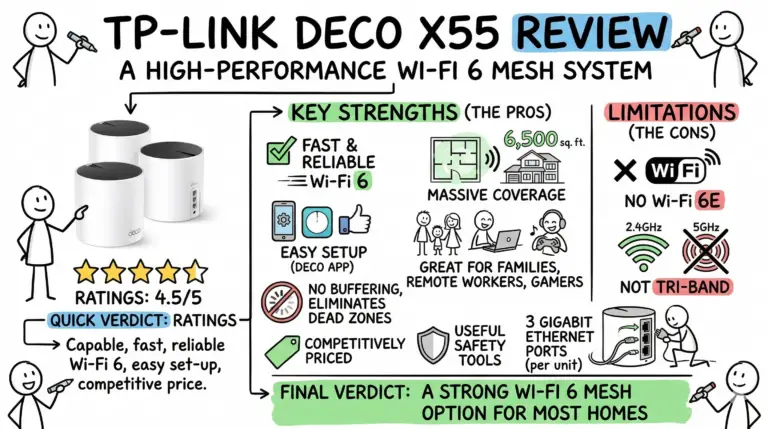
Curious to know how the TP-Link Deco X55 revolutionizes your home Wi-Fi?
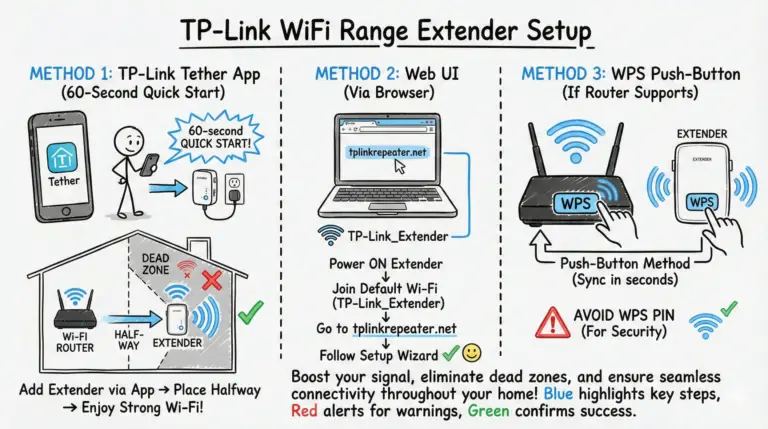
Set up your TP‑Link Wi‑Fi range extender fast with Tether app or web UI, learn when to mirror your SSID for seamless roaming, and get WPA3/EasyMesh tips.
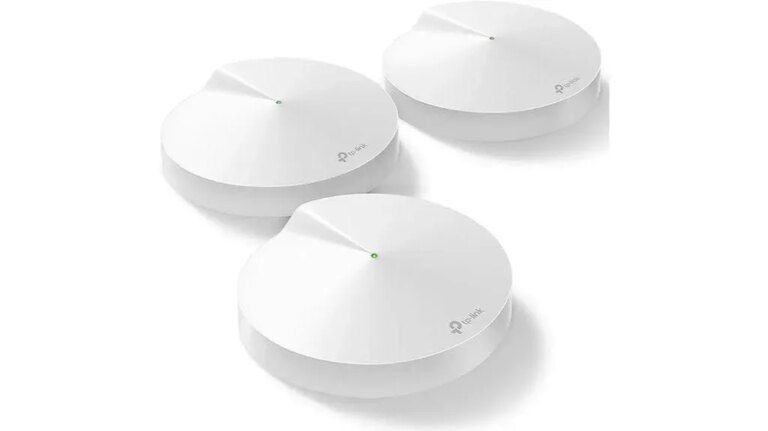
Frustrated with Wi-Fi dead zones? Discover if the TP-Link Deco M5 truly delivers seamless whole-home coverage in this review.