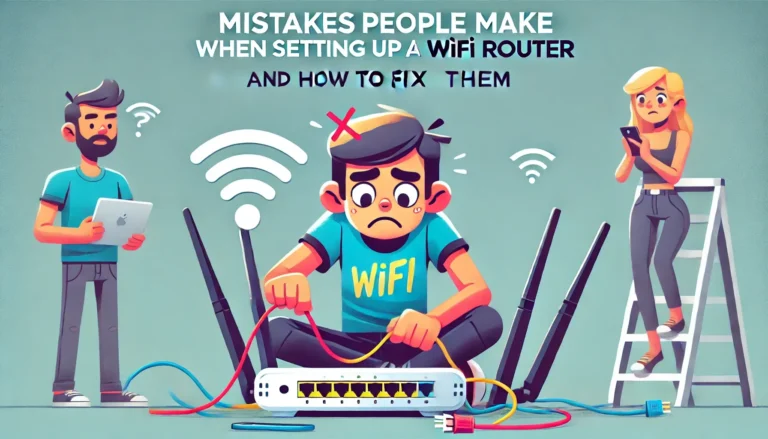
11 Mistakes People Make When Setting Up a WiFi Router (And How to Fix Them)

Smart adjustments can vastly improve your WiFi experience; discover the common setup mistakes and how to fix them for optimal performance.

Smart adjustments can vastly improve your WiFi experience; discover the common setup mistakes and how to fix them for optimal performance.

Before buying a home WiFi router, discover the key mistakes to avoid for a seamless internet experience that you won't want to miss!

A clear, updated guide to Wi‑Fi router types in 2025—covering Wi‑Fi 7, mesh, business, travel, and outdoor options—plus bands, MLO, AFC, and multi‑gig ports.

Fix Belkin router orange light. Causes: cable issues, ISP outages,etc. Solutions: check cables, reset devices, update firmware,etc.

Resolve internet connection issues post-modem reset with our comprehensive troubleshooting guide.

Find out if fiber's fast speeds or cable's wide availability is right for your internet needs at home.

Learn how to set up your Netgear WiFi extender with step-by-step instructions. Includes WPS, web browser, and Nighthawk app methods.

Outdated Wi-Fi security? Learn why WPA2 or WPA3 are essential upgrades for protecting your network.

Maximize your Wi-Fi security with WPA3. Learn the benefits and how to upgrade for robust protection.

A fast internet speed typically means a minimum download speed of 100 Mbps and an upload speed of 20 Mbps. Read our article to know how much speed you need.