Router USB Ports: Storage, Printer Sharing, and Cellular Failover
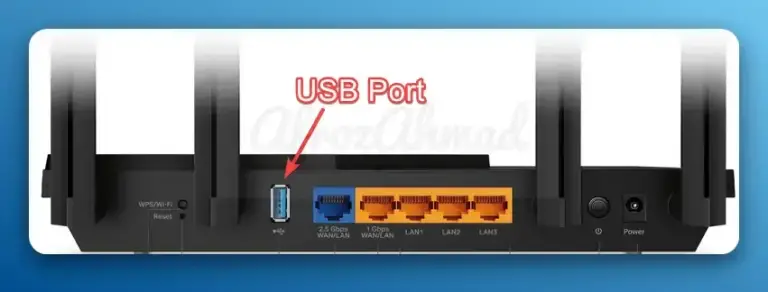
Learn how to use your router’s USB port for storage, printer sharing, and reliable internet failover—with accurate specs, security best practices, and model-specific clarifications.

Learn how to use your router’s USB port for storage, printer sharing, and reliable internet failover—with accurate specs, security best practices, and model-specific clarifications.
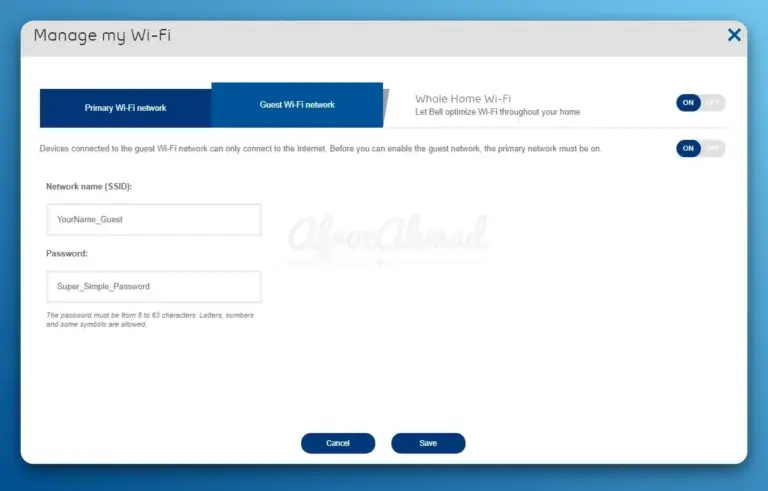
Learn to create a guest network in minutes for secure, easy visitor access on your home WiFi.
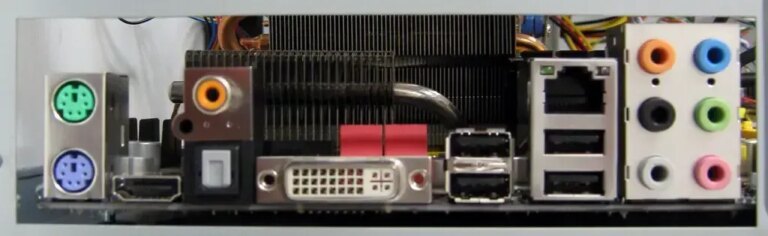
Master your display setup: A concise guide to HDMI, DisplayPort, VGA, DVI, and USB-C connections for all users.
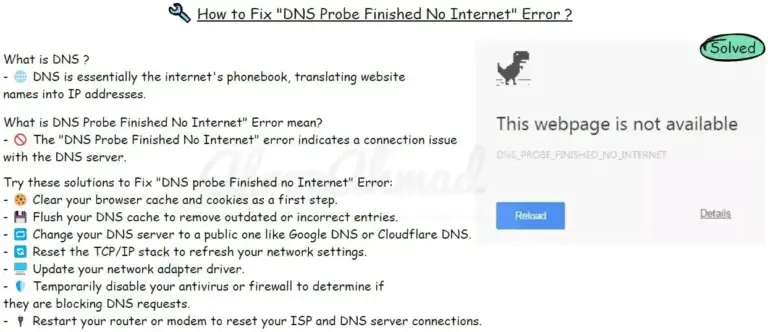
Overcome DNS Probe errors by updating drivers, restarting routers, and tweaking DNS settings.
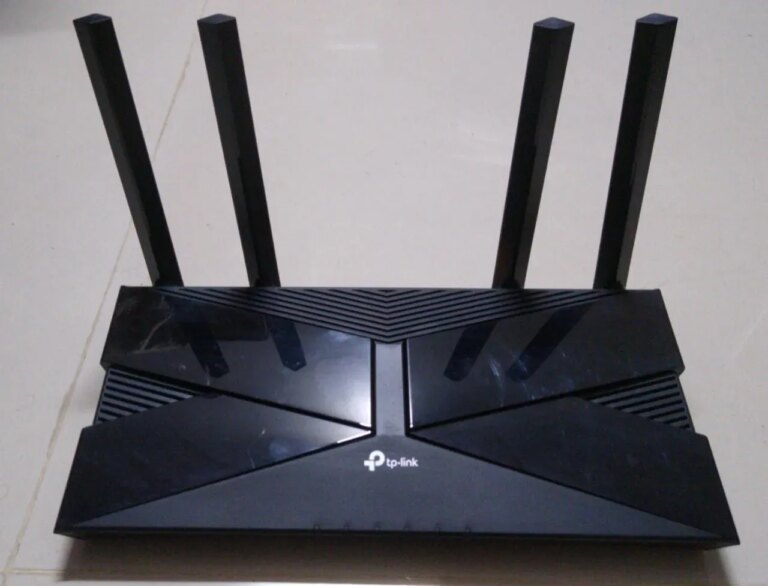
Fix the tp link router orange light: Learn about common causes and apply simple troubleshooting steps.
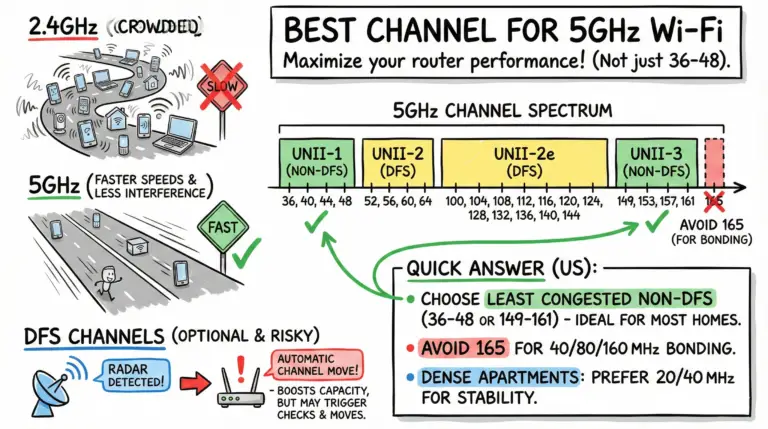
Quick US answer: choose 36/40/44/48 or 149/153/157/161 based on least congestion; avoid 165 for wide channels. DFS adds options but may cause brief checks and radar-driven channel changes.

Learn the crucial differences between Wi-Fi and the internet, enhancing your connectivity and technical literacy.

Short answer: Wi‑Fi owners can usually see the domains you connect to on their network, but not the pages or messages on HTTPS. With encrypted DNS (DoH/DoT), ECH, and tools like a VPN or iCloud Private Relay, even domain visibility can be reduced. Below we explain what’s visible, what isn’t, and quick steps for iPhone and Android.
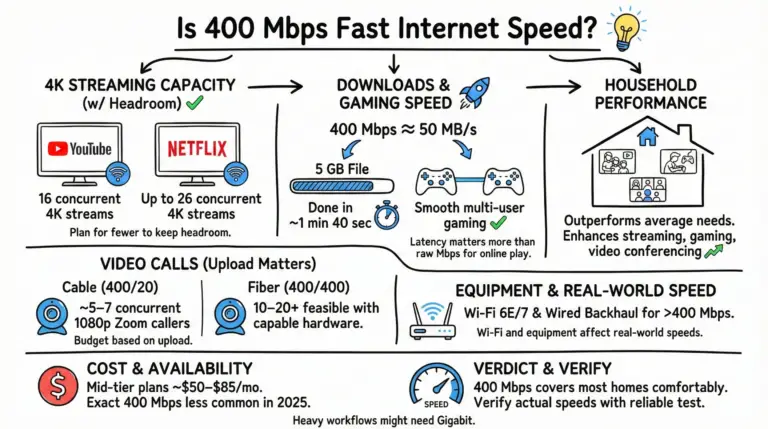
400 Mbps is fast for most households, with capacity for many 4K streams, quick downloads, and smooth calls—especially on fiber. Here’s what that looks like in 2025.
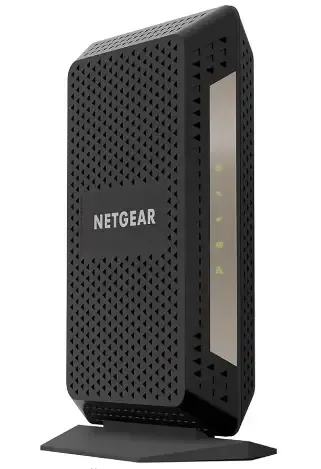
Experience seamless streaming and gaming with NETGEAR CM1000, featuring fast speeds, simple installation, and a cool design.