What is a Router, and What does it do?
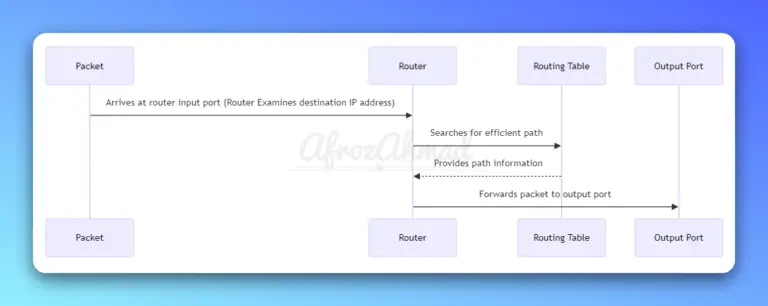
This in-depth guide covers everything you need to know about what routers are, how they work, their key features, and why they are critical components of both home and enterprise networks.

This in-depth guide covers everything you need to know about what routers are, how they work, their key features, and why they are critical components of both home and enterprise networks.
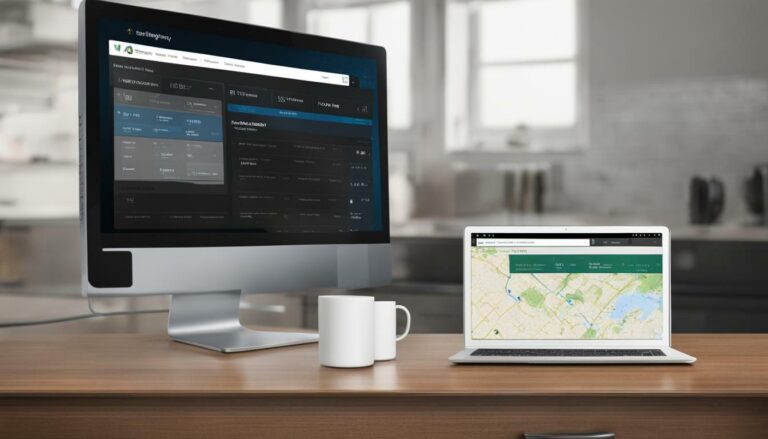
Discover how to check browsing history on your WiFi router with our simplified guide. Secure your network and monitor activity with ease today.

Discover the possibilities of dual internet access! Can You Have Two Modems In One House? Find out as we explain the process and benefits for you.
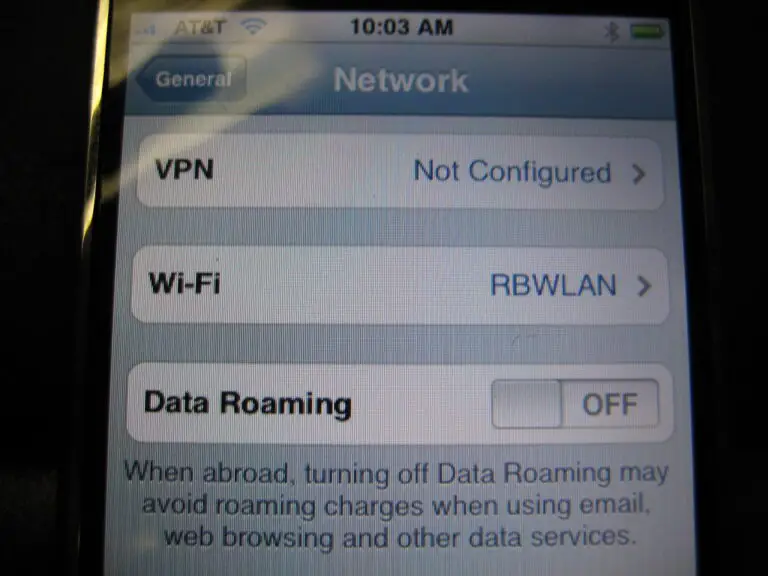
This comprehensive guide aims to explain everything you need to know about data roaming, including how it works, how to avoid excessive charges, and alternatives that you can consider.

60 Mbps can still be a solid mid‑tier choice for small households. See how it handles 4K streaming, gaming, Zoom, and multiple devices—plus what’s changed with the FCC benchmark and ISP plans.
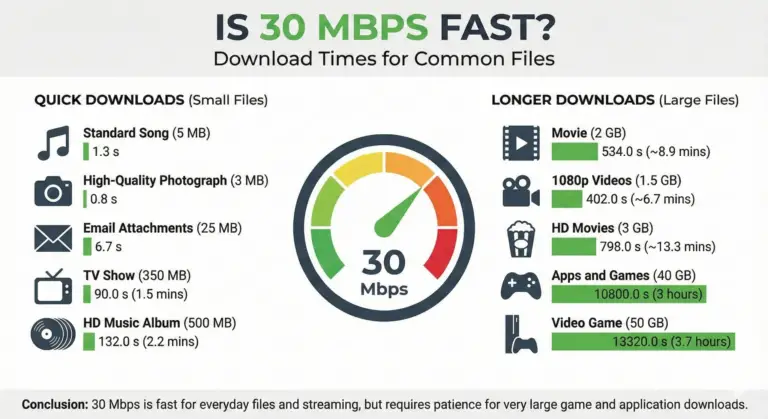
A concise, updated look at what 30 Mbps can and can’t do in 2025—streaming, Zoom, gaming, work-from-home, and how many devices it realistically supports.
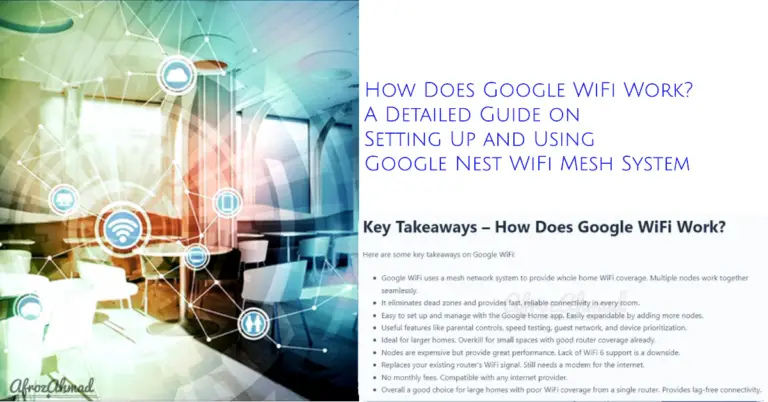
A concise guide to how Google/Nest WiFi mesh works today — what Nest Wifi Pro adds (Wi‑Fi 6E, Thread/Matter), how many routers you need, setup nuances, and key pros/cons.

Xfinity remote flashing green then red? Learn what it means and follow quick, model-specific steps to reset, re‑pair, and restart your TV Box—plus tips for range, batteries, and Aim Anywhere vs IR.
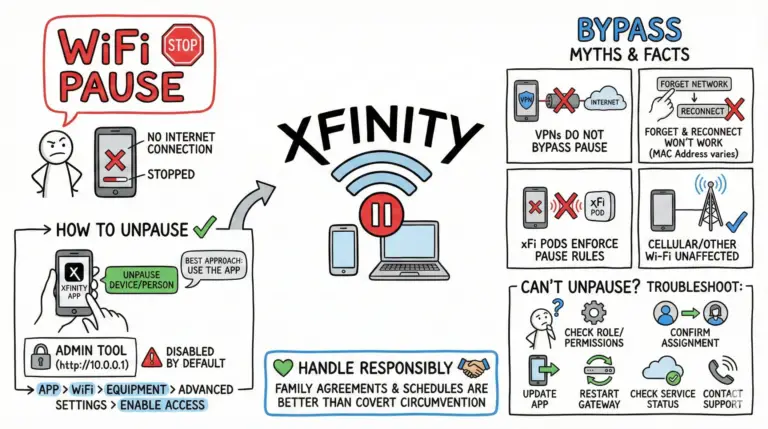
Learn legitimate ways to unpause devices and fix “This device is paused” in the Xfinity app, plus troubleshooting for missing controls and MAC address privacy settings.
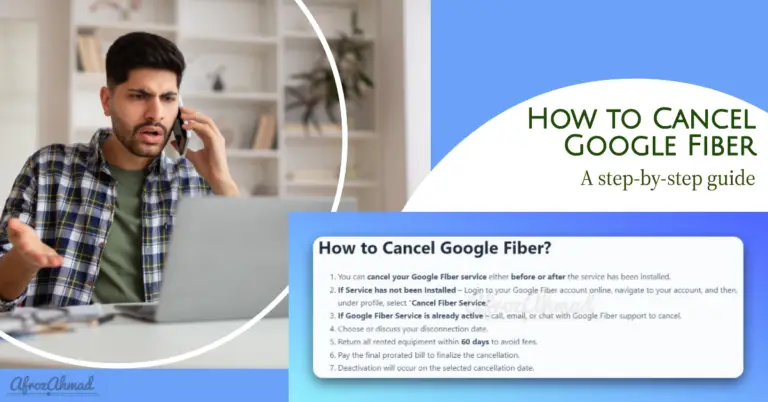
Follow this comprehensive step-by-step guide to properly cancel your Google Fiber account online or via support. Understand policies and equipment return to avoid fees.