US/DS Light Blinking: Causes and Fixes
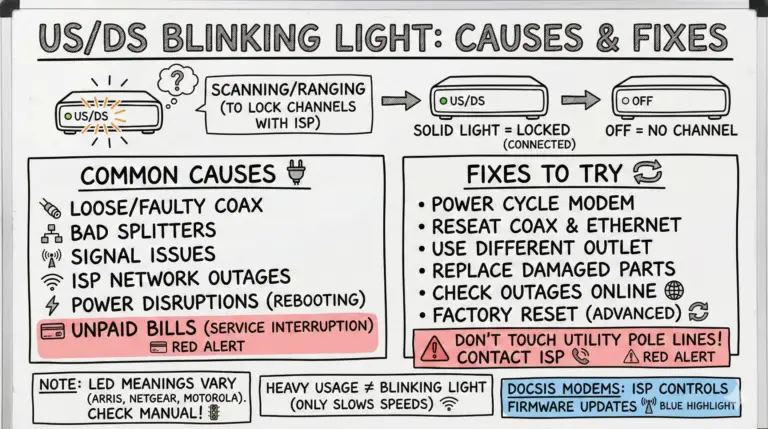
US/DS lights live on DOCSIS cable modems and some gateways—not standalone routers. Learn what blinking means, quick fixes, accurate LED guidance, and the right order to troubleshoot before calling your ISP.

US/DS lights live on DOCSIS cable modems and some gateways—not standalone routers. Learn what blinking means, quick fixes, accurate LED guidance, and the right order to troubleshoot before calling your ISP.
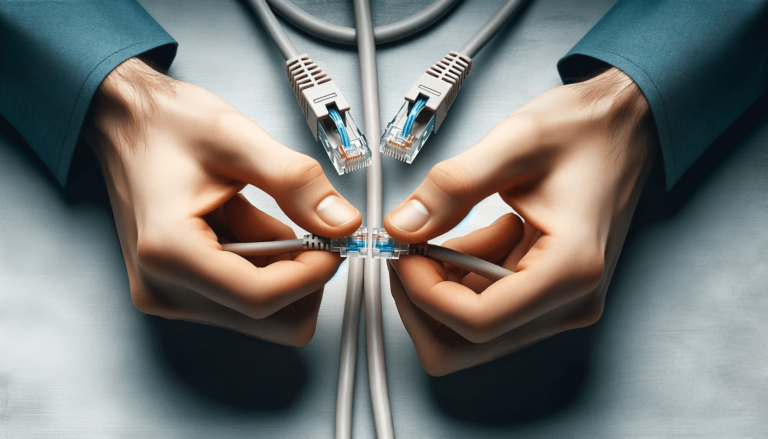
In this comprehensive guide, we'll walk you through the process of how to extend an ethernet cable without losing speed.
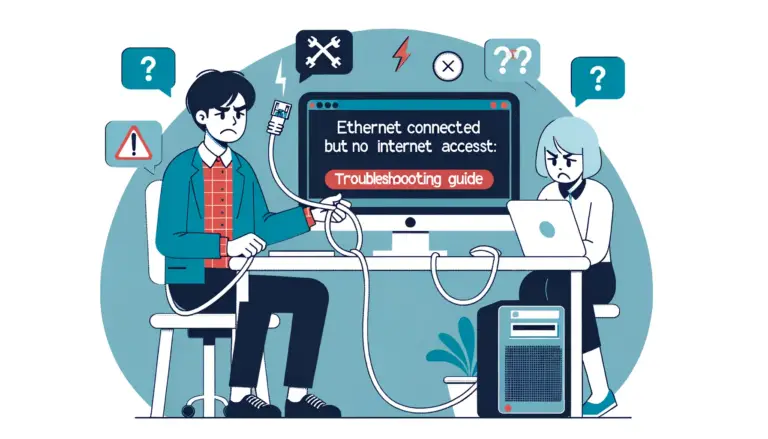
Here's a comprehensive guide on how to fix ethernet connected but no internet access issue.
Discover the possibilities of dual internet access! Can You Have Two Modems In One House? Find out as we explain the process and benefits for you.
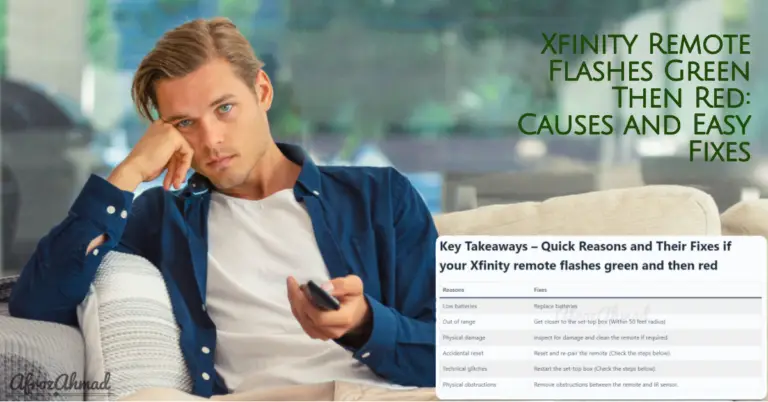
Xfinity remote flashing green then red? Learn what it means and follow quick, model-specific steps to reset, re‑pair, and restart your TV Box—plus tips for range, batteries, and Aim Anywhere vs IR.
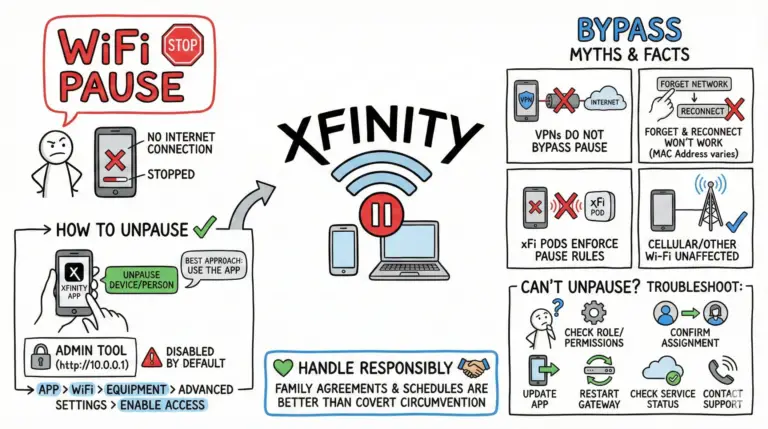
Learn legitimate ways to unpause devices and fix “This device is paused” in the Xfinity app, plus troubleshooting for missing controls and MAC address privacy settings.
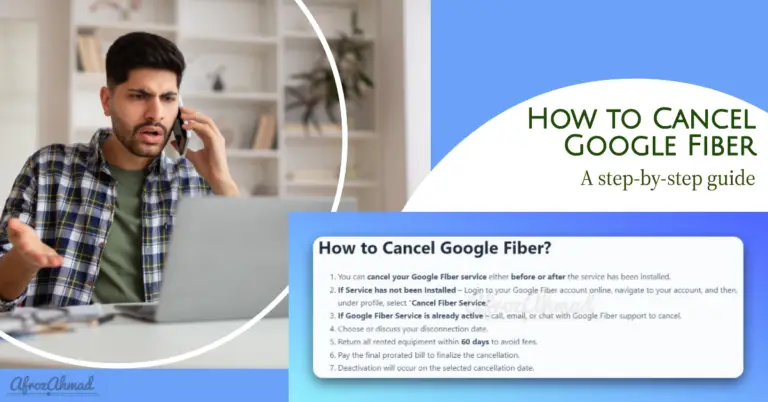
Follow this comprehensive step-by-step guide to properly cancel your Google Fiber account online or via support. Understand policies and equipment return to avoid fees.
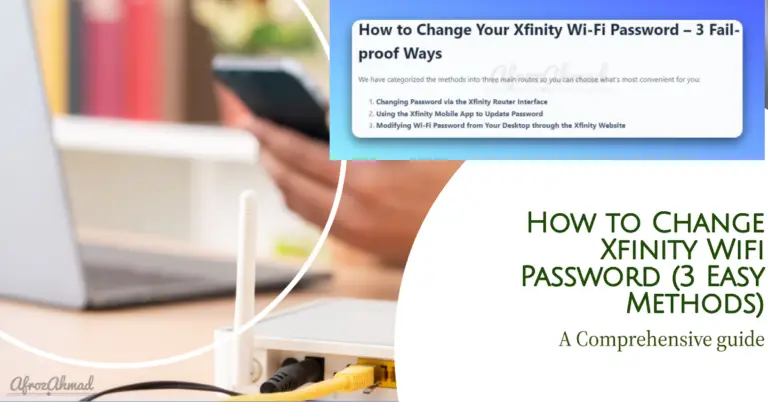
Two fast ways to change your Xfinity Wi‑Fi password: use the Xfinity app (best) or the 10.0.0.1 Admin Tool after enabling access in the app. Includes troubleshooting and WPA3 guidance.
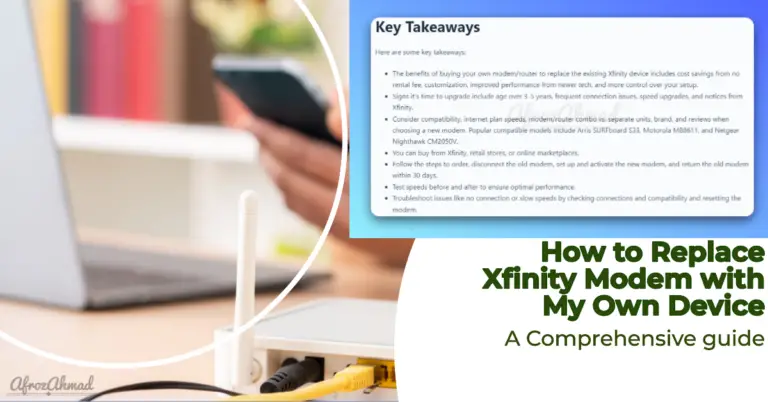
Thinking about replacing your Xfinity modem? This updated guide covers approved devices (including Next Gen upload tiers), how to choose the right modem or gateway, the exact steps to activate it, what to know about Xfinity Voice, and how to return your old equipment.
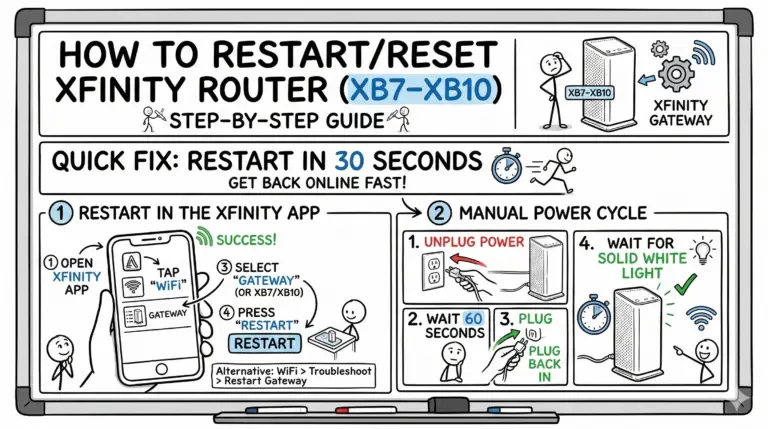
A clear, updated walkthrough to quickly restart or factory reset any recent Xfinity xFi Gateway (XB7–XB10), including LED meanings and the new Admin Tool access flow.