How to Fix Xfinity No Internet Connection? [10 Practical Fixes]

Xfinity shows no internet? Use this step‑by‑step guide to check outages, restart your gateway from the Xfinity app, verify cables and WiFi settings, and fix common issues fast.


Xfinity shows no internet? Use this step‑by‑step guide to check outages, restart your gateway from the Xfinity app, verify cables and WiFi settings, and fix common issues fast.
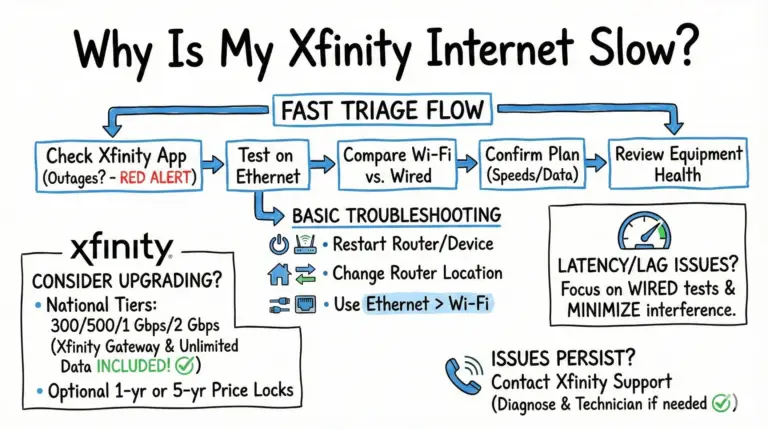
Slow Xfinity internet can be frustrating. Use this updated guide to quickly diagnose the cause, fix Wi‑Fi and latency issues, and understand Xfinity’s 2025 unlimited plans and price‑lock options.
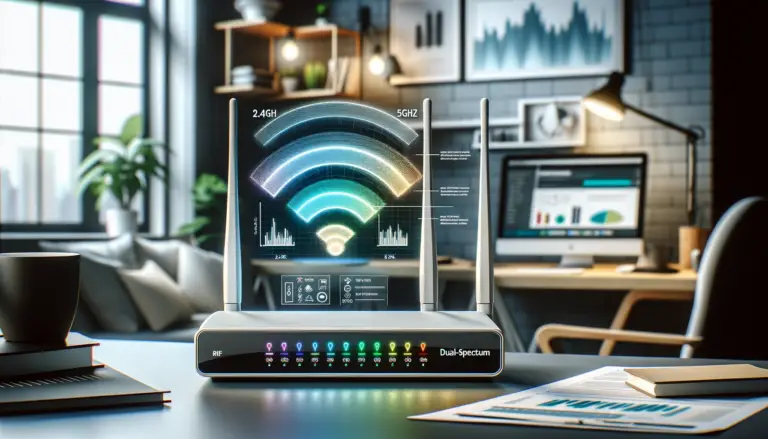
Discover how to separate 2.4 and 5GHz spectrum with our easy-to-follow guide. Maximize your Wi-Fi speed and performance in a few simple steps. Get started now!

A practical, up-to-date guide to splitting 2.4 GHz and 5 GHz on Xfinity gateways using the Xfinity app or, where available, the Admin Tool—plus key notes for XB7/XB8, xFi Pods, and 6 GHz.
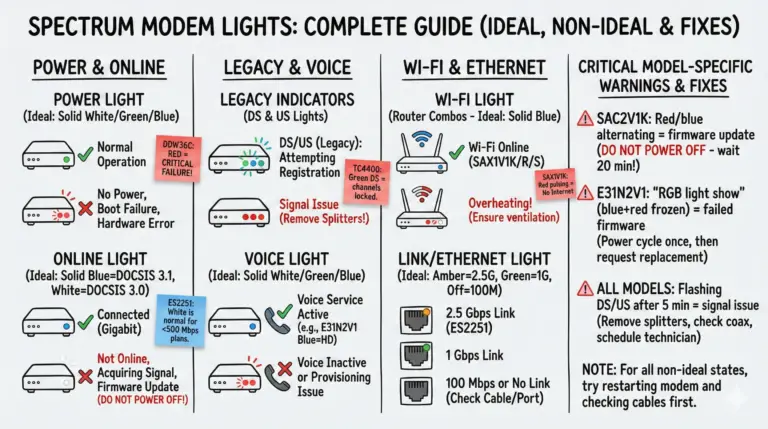
Quickly decode Spectrum modem and router lights by color and pattern, then follow simple, reliable fixes to restore your connection.
If you see your Spectrum modem blinking white and blue online light, it means it can't connect to the internet. Learn how to troubleshoot and fix this common issue.
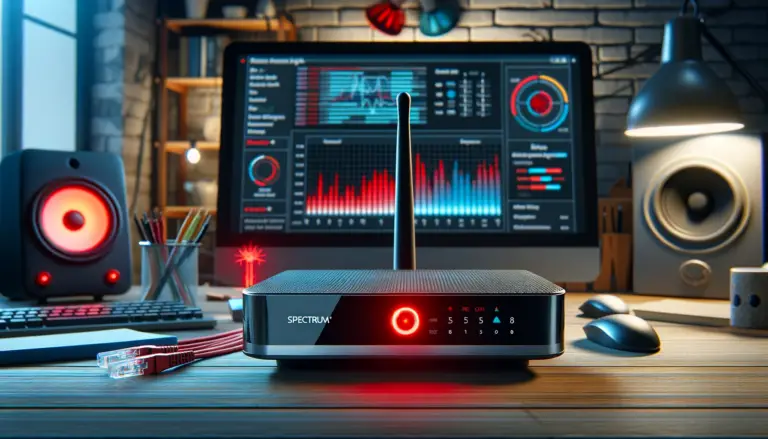
Resolve your Spectrum router red light issue with our expert guide. Step-by-step troubleshooting for a stable connection.
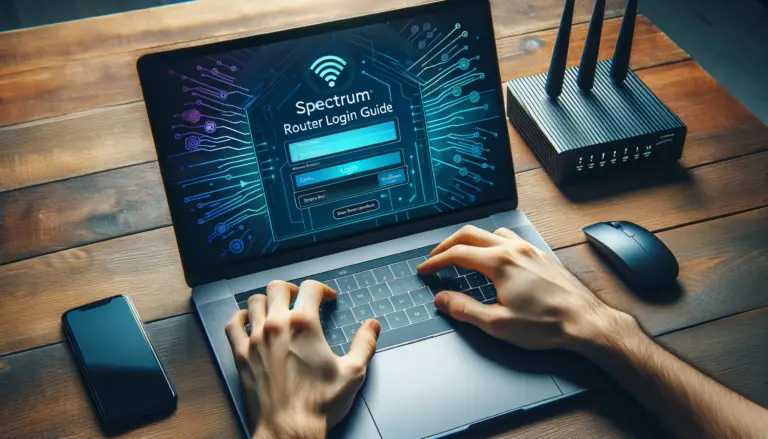
Explore our detailed guide on the Spectrum router login process. Get troubleshooting tips, learn how to enhance Wi-Fi performance, and maintain strong network security!

An eero red light means no internet. If every eero is red, power off the modem for 3 minutes; if only one is red, unplug it, move it closer, then soft reset.

Solve the mystery of your Cox router modem blinking green. Learn the causes and get step-by-step troubleshooting tips in this quick guide.