TP-Link Router Red Light: What It Means and How to Fix It
A red light on a TP-Link router is the Internet LED: the router is running but has no internet from the modem or line. The five checks that fix it, in order.

A red light on a TP-Link router is the Internet LED: the router is running but has no internet from the modem or line. The five checks that fix it, in order.
Log in to your TP-Link router at tplinkwifi.net or 192.168.0.1: the default addresses, which admin password to use, and fixes when the login page will not load.
Build a 10G home lab with pfSense. 10Gtek X520 NIC, MikroTik CRS305, DAC cables verified. Jumbo frames, VLAN config, topology diagrams. Real-world testing.

Comprehensive guide to telecom network infrastructure covering physical components, 5G requirements, virtualization, and emerging technologies from a CCIE engineer.
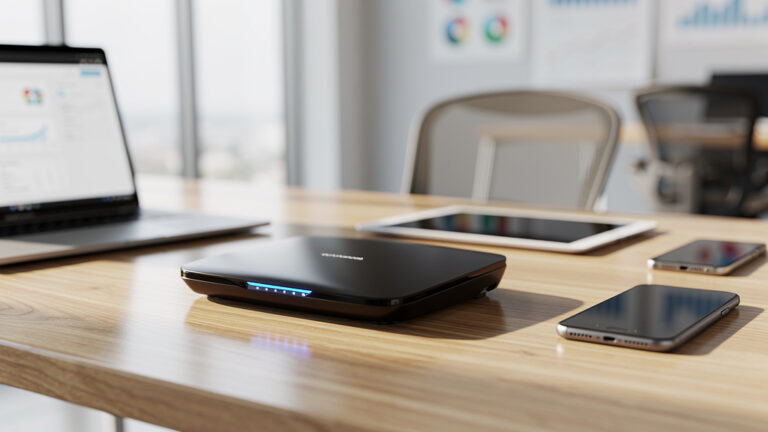
Discover the best budget router for small business with Wi-Fi 6, solid security, VPN, and easy management. Compare 7 under-$200 picks for small offices.
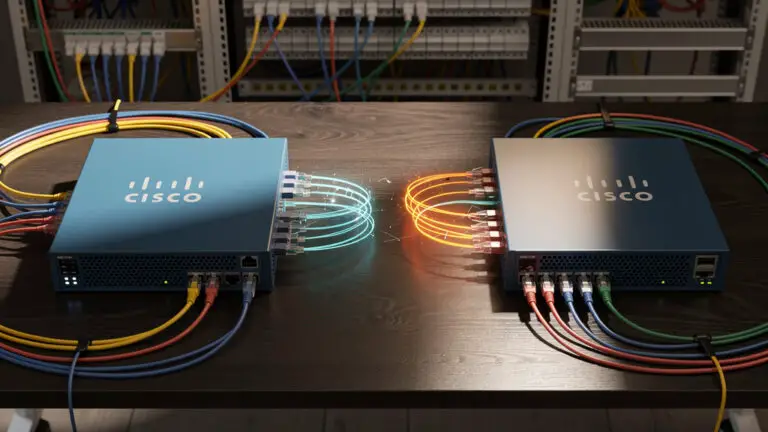
Learn how to configure a secure site-to-site VPN on Cisco Firepower with a step-by-step guide covering policy-based and route-based VPNs, NAT, routing, and troubleshooting.

Explore jobs for network engineers, key roles, skills, certifications, and real pay ranges to see if this networking career path fits your goals.
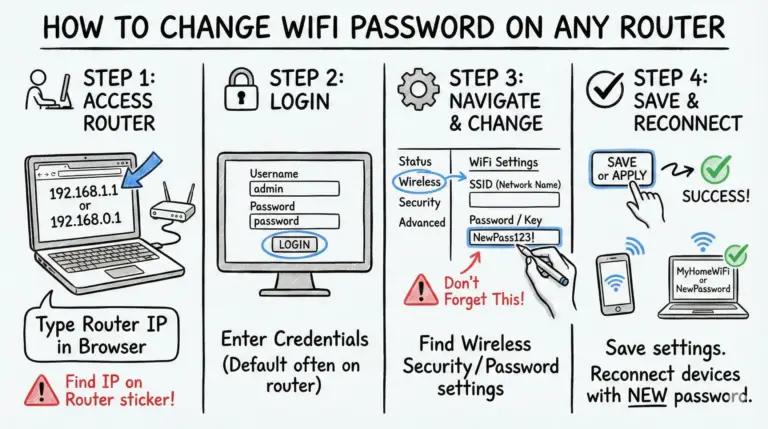
Learn how to change WiFi password on any router, secure your network, kick off unknown devices, and follow expert tips for faster, safer home WiFi.

Discover the best WiFi 7 routers, benchmarked by a certified Network Engineer. Compare real-world speeds, port specs, and coverage maps for top models from TP-Link and Asus to find the perfect upgrade for your home network.
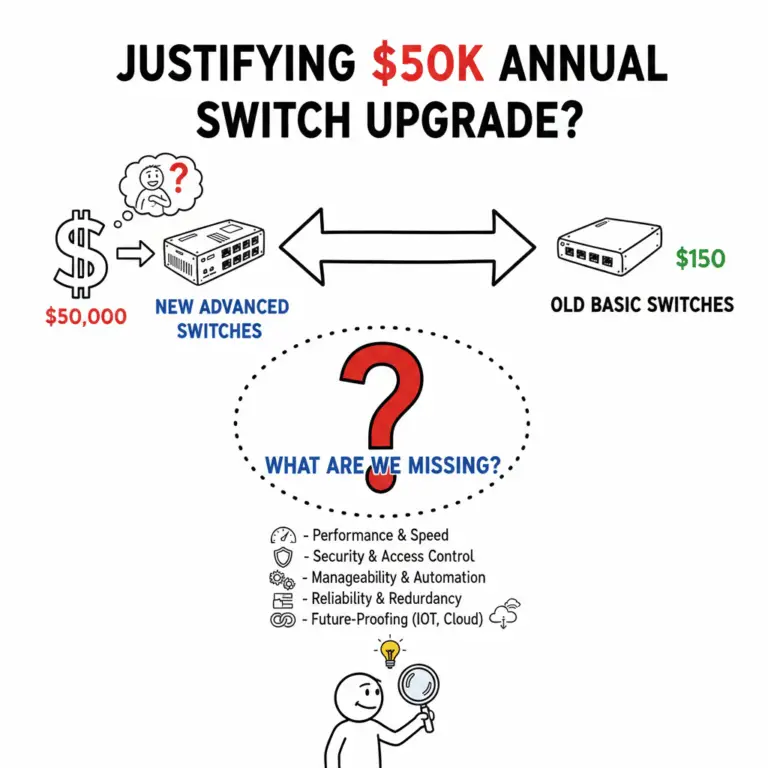
Justifying a $50k or even Higher Annual Switch Upgrade: What Must-Have Features Are We Missing?