What Channel is TNT on Xfinity? Complete Guide
This guide covers exactly how to find what channel TNT is on your Xfinity cable. Includes a channel lookup tool, channel reference guide by state, and Xfinity TV subscription benefits.

Internet Services – Xfinity
This guide covers exactly how to find what channel TNT is on your Xfinity cable. Includes a channel lookup tool, channel reference guide by state, and Xfinity TV subscription benefits.
Find exactly what channel FS1 is in your area on the Xfinity cable TV lineup. Includes easy tips to access live sports and programming on Fox Sports 1 across devices.
Learn what channel ESPN is on Xfinity in different regions. Enjoy seamless access to your favorite sports with our easy guide.
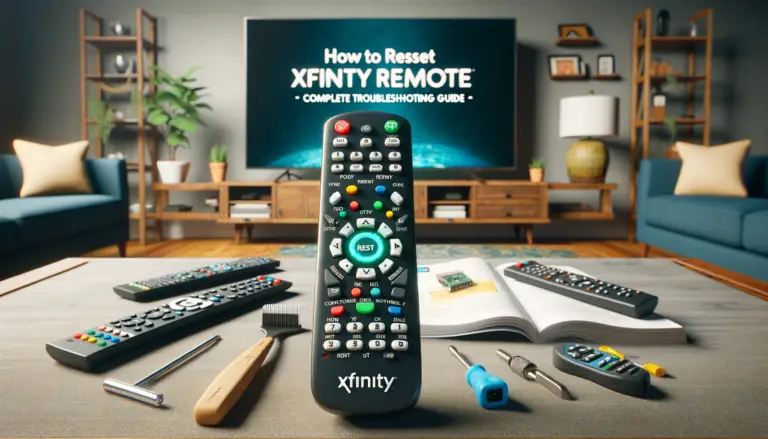
Clear, model-specific steps to reset, pair, and program Xfinity remotes (XR11, XR2, XR5, XR15, XR16), plus quick fixes and when to contact support.
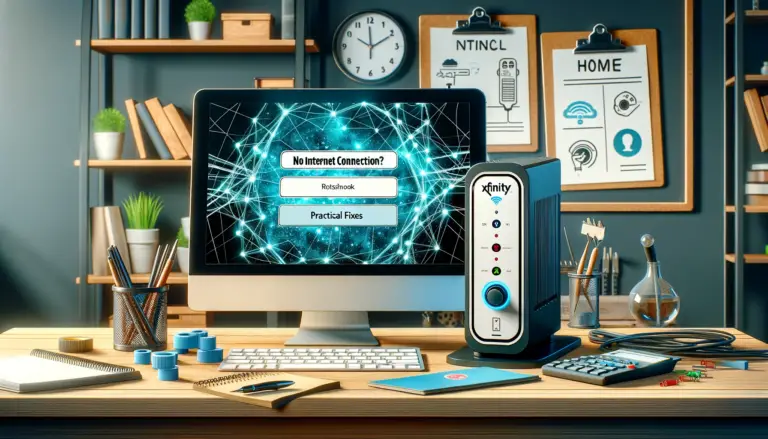
Xfinity shows no internet? Use this step‑by‑step guide to check outages, restart your gateway from the Xfinity app, verify cables and WiFi settings, and fix common issues fast.
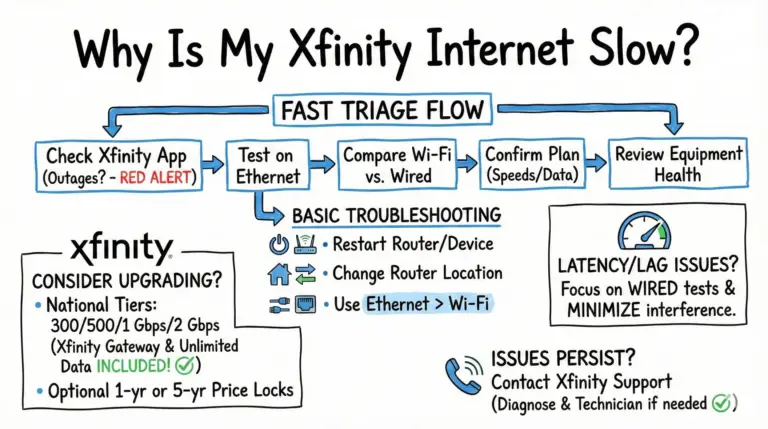
Slow Xfinity internet can be frustrating. Use this updated guide to quickly diagnose the cause, fix Wi‑Fi and latency issues, and understand Xfinity’s 2025 unlimited plans and price‑lock options.
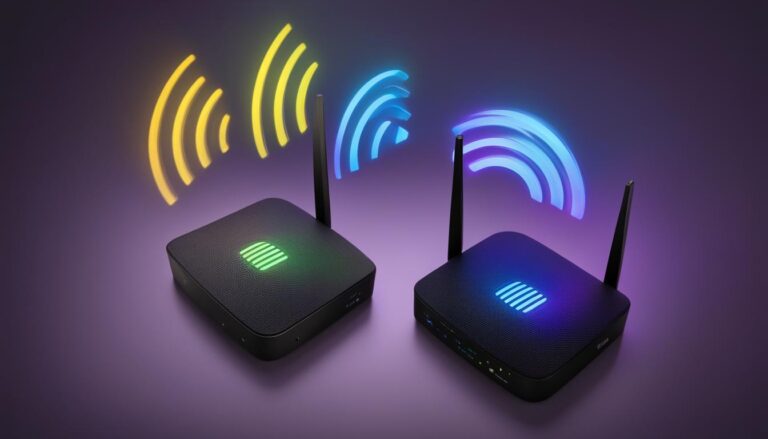
A practical, up-to-date guide to splitting 2.4 GHz and 5 GHz on Xfinity gateways using the Xfinity app or, where available, the Admin Tool—plus key notes for XB7/XB8, xFi Pods, and 6 GHz.
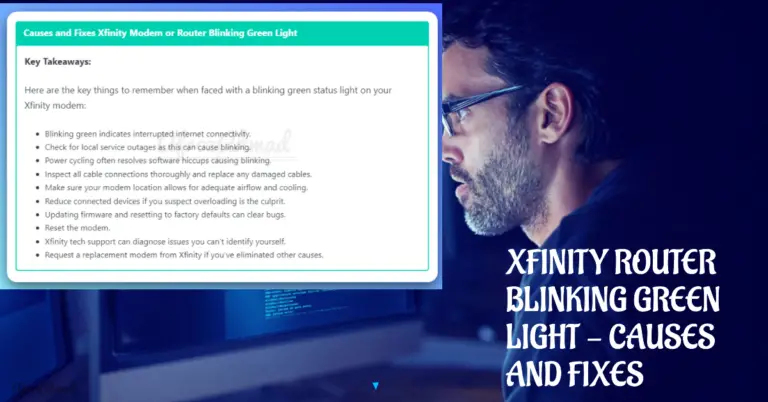
Seeing a blinking light on your Xfinity modem or xFi Gateway? Learn what blinking white vs. green means by model and follow quick, proven fixes.
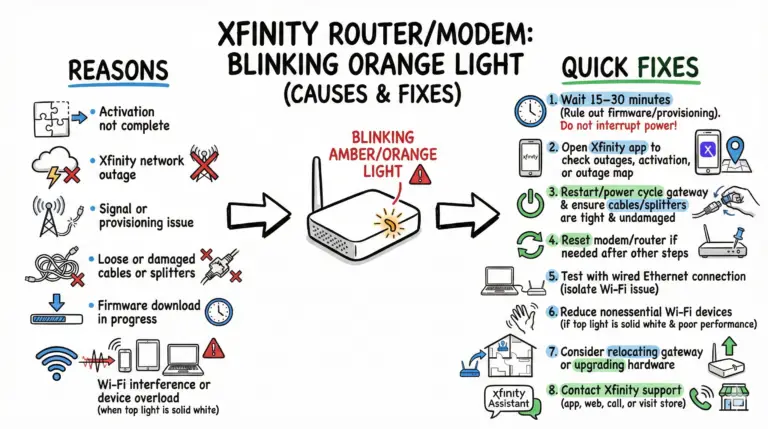
Blinking yellow/amber (orange) on an Xfinity gateway usually means no network connection or activation isn’t complete. Start by waiting 15–30 minutes, check outages in the Xfinity app, then reboot.
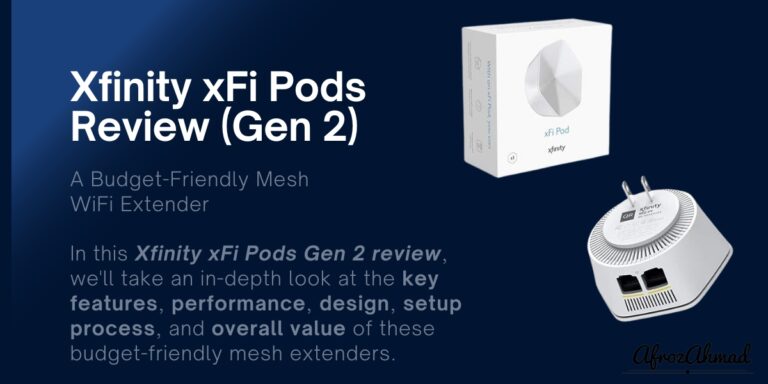
A refreshed, fact-checked look at Xfinity’s xFi Pods Gen 2: what they do well, what’s changed since launch, realistic speeds, coverage guidance, and how they compare to universal extenders.