7 Best DD-WRT Routers for Enhanced Security and Performance
Discover the top 7 DD-WRT routers for maximum security and performance. Upgrade your home network and stay safe online.


Discover the top 7 DD-WRT routers for maximum security and performance. Upgrade your home network and stay safe online.
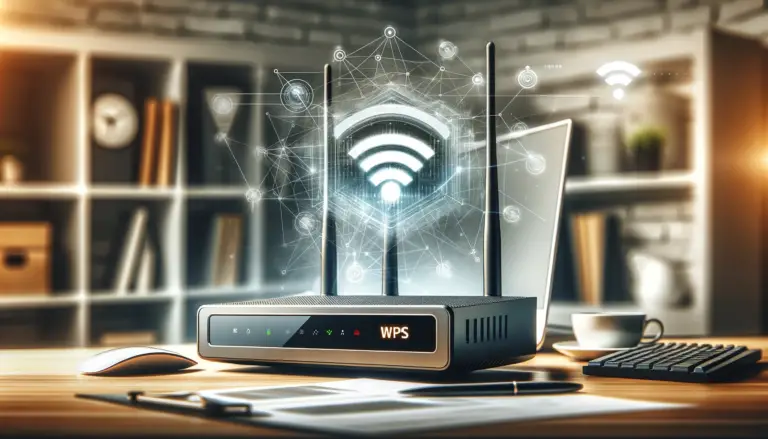
Learn what the WPS button is on your router, how to use it to connect devices to WiFi securely, and tips for troubleshooting any issues with the WPS setup process.
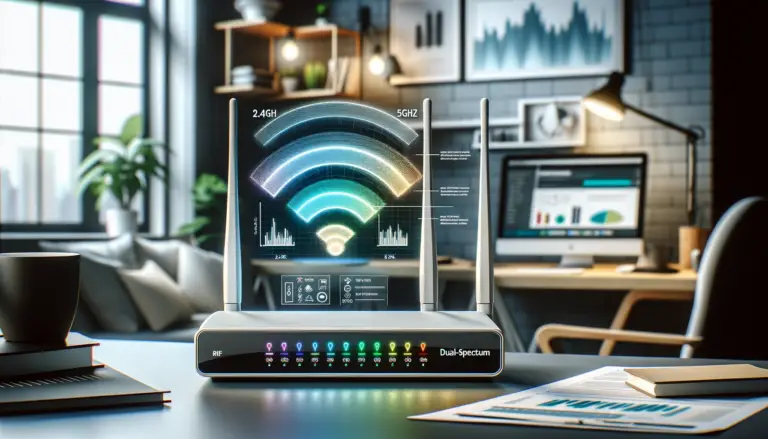
Discover how to separate 2.4 and 5GHz spectrum with our easy-to-follow guide. Maximize your Wi-Fi speed and performance in a few simple steps. Get started now!
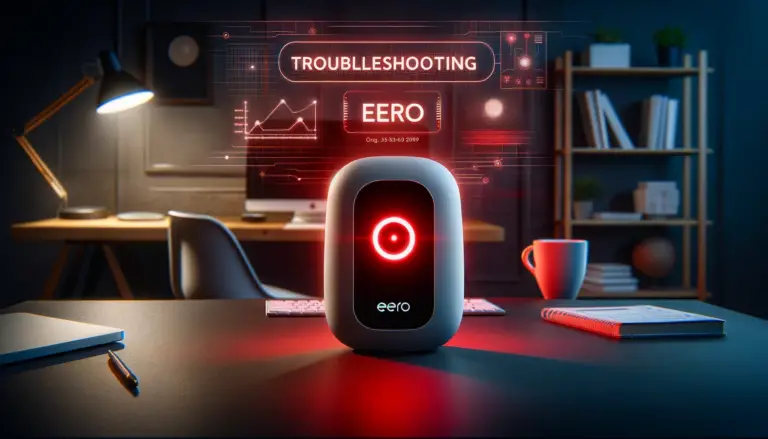
An eero red light means no internet. If every eero is red, power off the modem for 3 minutes; if only one is red, unplug it, move it closer, then soft reset.
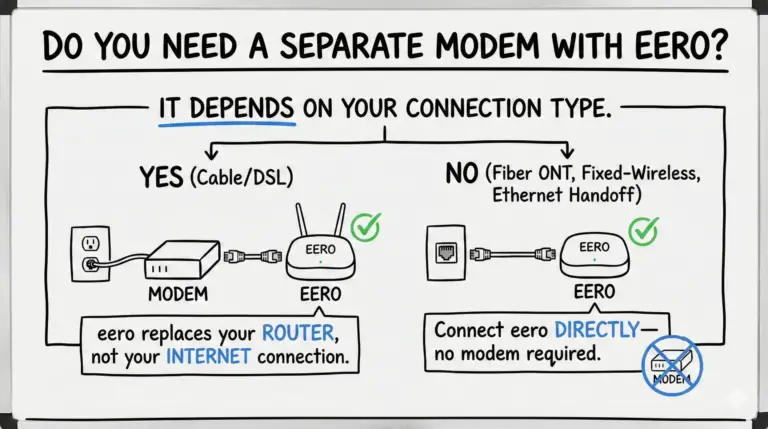
eero replaces your router, not your internet connection. You’ll need a modem for cable/DSL, but with a fiber ONT or Ethernet handoff you can plug eero in directly. This guide covers cable, fiber, fixed‑wireless, and apartment setups, plus updated eero Wi‑Fi 7 models.
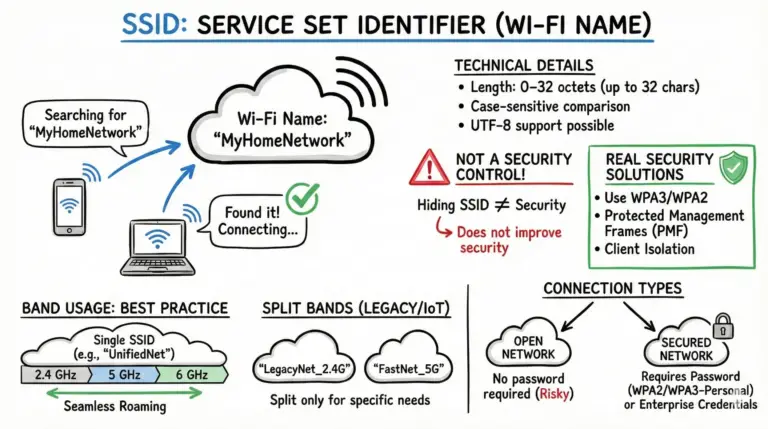
SSID is your Wi‑Fi network name. Learn how to find it, rename it safely, and secure your network the right way with WPA3, guest isolation, and smart band strategy.

A concise guide to how Google/Nest WiFi mesh works today — what Nest Wifi Pro adds (Wi‑Fi 6E, Thread/Matter), how many routers you need, setup nuances, and key pros/cons.

This in-depth guide we will compare dual band vs tri band routers, analyzing speed, congestion, coverage area, pricing, and expert advice to determine which type of router best suits your home Wi-Fi needs.

Explore the differences between WiFi Mesh, Extenders, Boosters, and Repeaters. Discover the best solution for seamless WiFi coverage in every corner of your home.
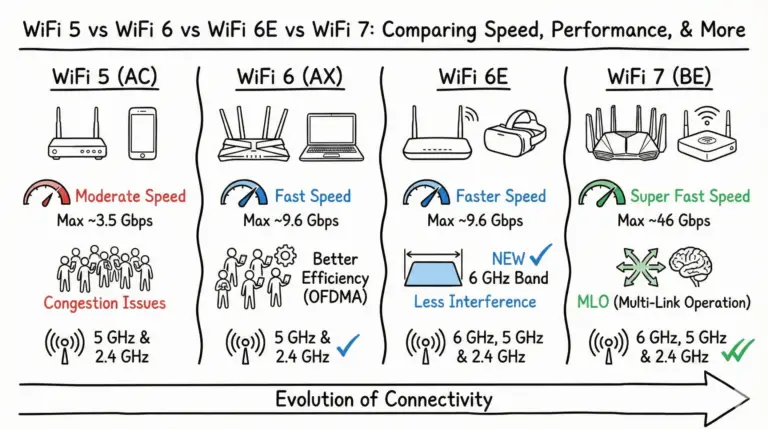
When comparing WiFi 5 vs WiFi 6 vs WiFi 6E vs the new WiFi 7, it's crucial to understand the advancements in speed, range, and capacity. This guide breaks down each generation to help you decide which is right for your home or office.