Best Channel for 5GHz WiFi – Guide with Infographic
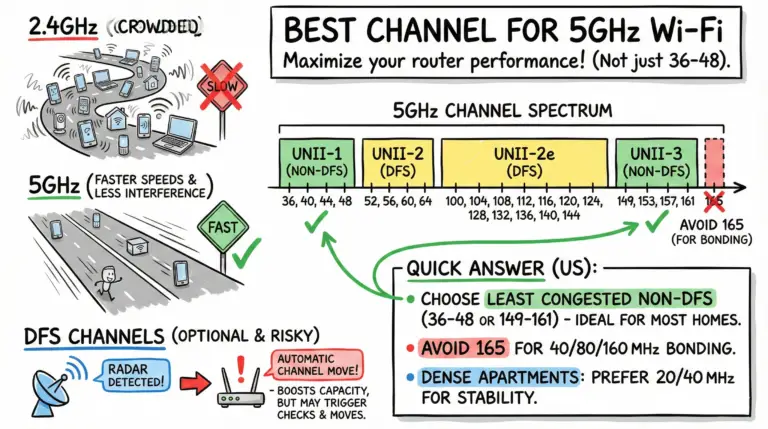
Quick US answer: choose 36/40/44/48 or 149/153/157/161 based on least congestion; avoid 165 for wide channels. DFS adds options but may cause brief checks and radar-driven channel changes.

Quick US answer: choose 36/40/44/48 or 149/153/157/161 based on least congestion; avoid 165 for wide channels. DFS adds options but may cause brief checks and radar-driven channel changes.

Learn the crucial differences between Wi-Fi and the internet, enhancing your connectivity and technical literacy.

Short answer: Wi‑Fi owners can usually see the domains you connect to on their network, but not the pages or messages on HTTPS. With encrypted DNS (DoH/DoT), ECH, and tools like a VPN or iCloud Private Relay, even domain visibility can be reduced. Below we explain what’s visible, what isn’t, and quick steps for iPhone and Android.
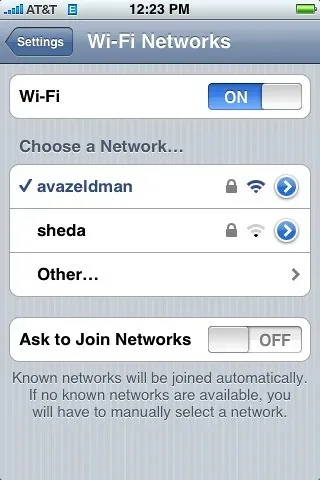
Struggling with iPhone Wi-Fi problems? Explore our guide for proven solutions and get connected again.
Yearning for a solution to your home's Wi-Fi dead zones? Discover the top 9 mesh WiFi systems for Verizon Fios that will revolutionize your connectivity.
Maximize your Verizon FiOS signal with our top 9 WiFi extenders. Perfect for large homes and high-bandwidth needs.
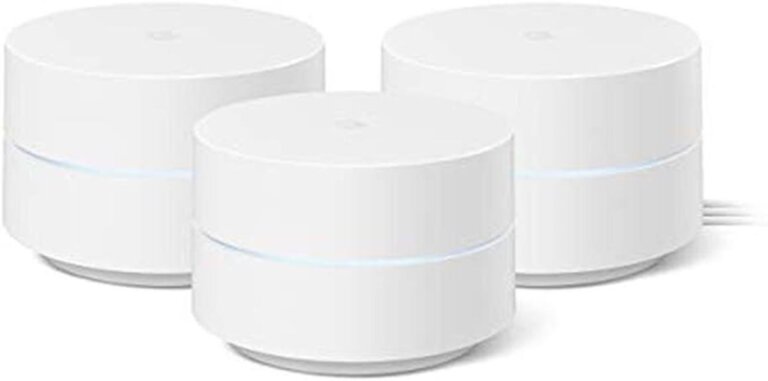
Our 2025 take on Google Wifi—a simple, Wi‑Fi 5 mesh that now supports WPA3, handles up to 100 devices per point, and remains a solid budget pick if you don’t need Wi‑Fi 6/6E.
Discover the top 7 DD-WRT routers for maximum security and performance. Upgrade your home network and stay safe online.
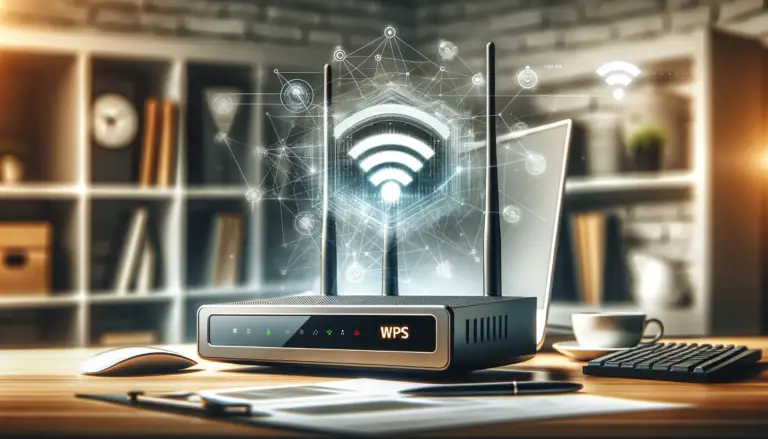
Learn what the WPS button is on your router, how to use it to connect devices to WiFi securely, and tips for troubleshooting any issues with the WPS setup process.
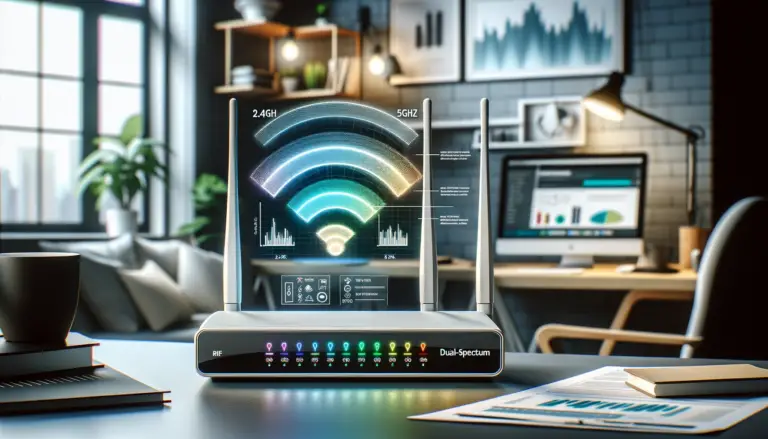
Discover how to separate 2.4 and 5GHz spectrum with our easy-to-follow guide. Maximize your Wi-Fi speed and performance in a few simple steps. Get started now!