Why Does My Spectrum Internet Keep Dropping? A Troubleshooting Guide

If your Spectrum internet connection keeps dropping and reconnecting, discover what's causing the frequent interruptions and how to troubleshoot it effectively.

If your Spectrum internet connection keeps dropping and reconnecting, discover what's causing the frequent interruptions and how to troubleshoot it effectively.
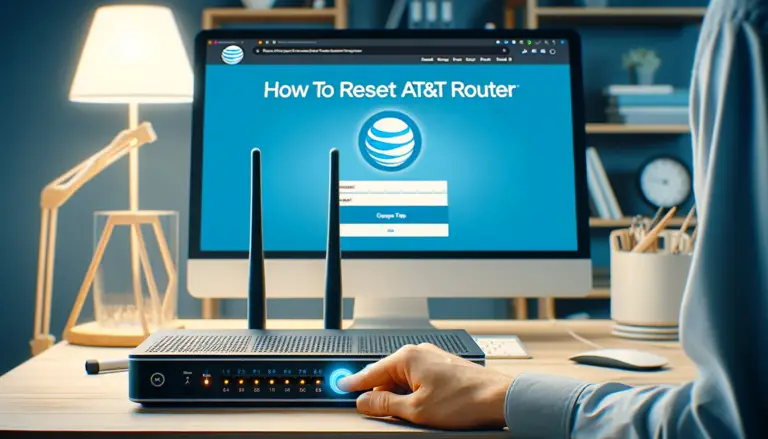
Follow these simple step-by-step instructions to reset your ATT router and resolve internet connectivity issues by restoring it to factory default settings.
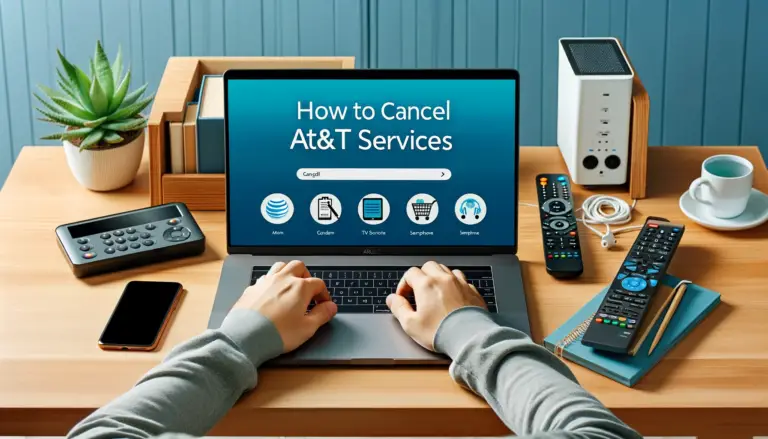
A clear, step‑by‑step guide to cancel AT&T Internet, Wireless, DIRECTV, and Phone—with the right phone numbers, return locations, early‑termination/device balance rules, and proration policy.
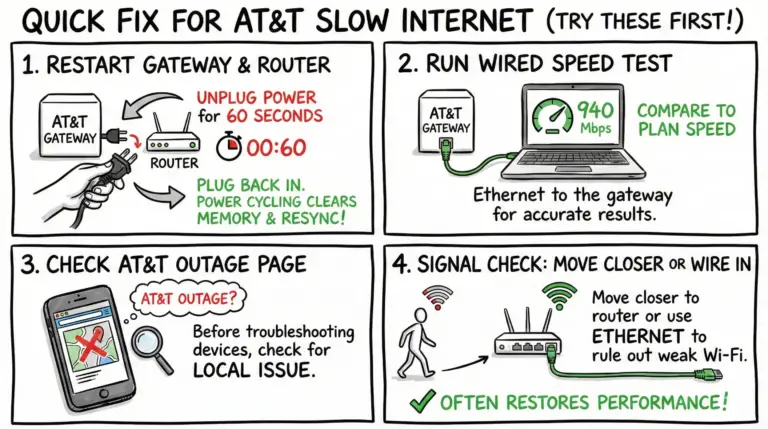
Struggling with slow AT&T internet? Use this step‑by‑step guide to diagnose issues fast—run wired tests, tune Wi‑Fi, check outages and credits, and know when to call support.
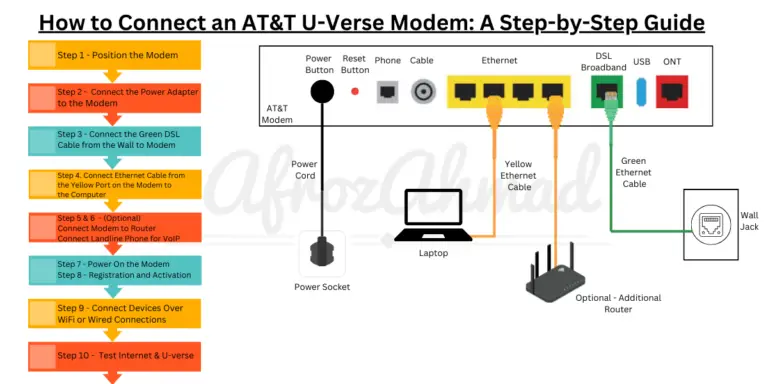
Learn how to connect, troubleshoot and maintain your AT&T U-verse modem with our easy step-by-step instructions. Get online smoothly and quickly today!
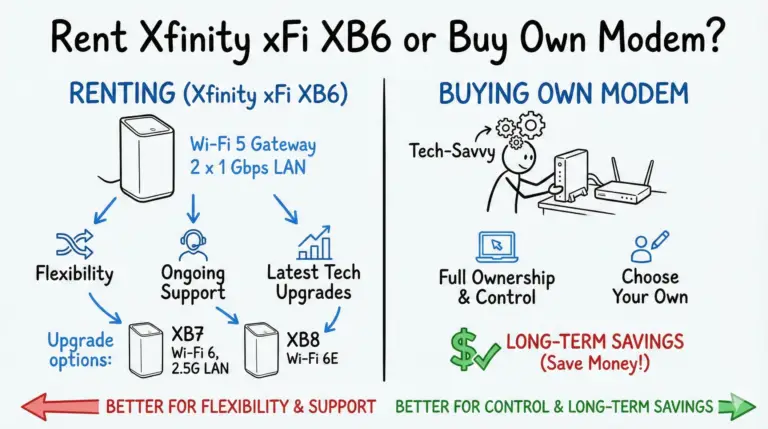
Is the Xfinity xFi XB6 worth renting or should you buy your own modem/router? See verified XB6 specs (Wi‑Fi 5, two 1 Gbps ports), how it compares to XB7/XB8, and updated 2025 cost math.
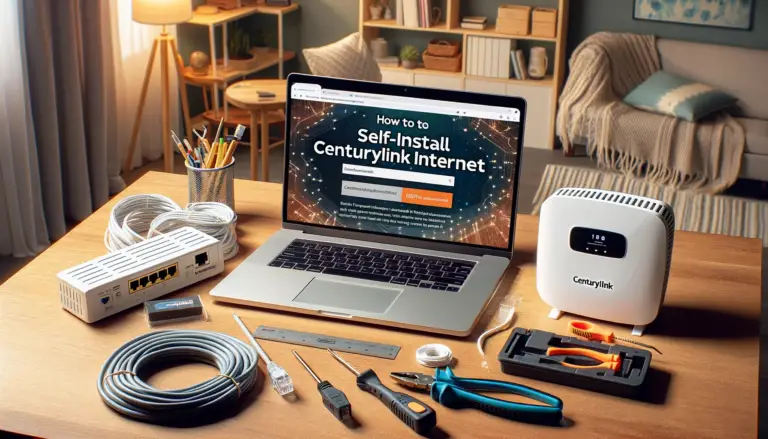
A clear, step‑by‑step CenturyLink self‑install guide for both DSL and fiber users—covering equipment, activation with the My CenturyLink app or QuickConnect, WiFi setup, and troubleshooting.

This guide will pinpoint why your CenturyLink connection lags and provide 16 efficient solutions to enhance your internet performance.

Xfinity WiFi dropping? Follow these fast, reliable fixes—outage checks, app-based restarts, new Admin Tool access steps for 10.0.0.1, Wi‑Fi 6E notes, and cable checks.

Real, current ways to lower your Xfinity bill in 2025: switch to the new price‑guarantee plans with unlimited data and gateway included, call retention with a script, right‑size your speed and TV, use StreamSaver or NOW TV, and explore Internet Essentials, Internet Essentials Plus, NOW Internet, and Lifeline.