Guide: How to Separate 2.4 and 5GHz on Spectrum Router Easily
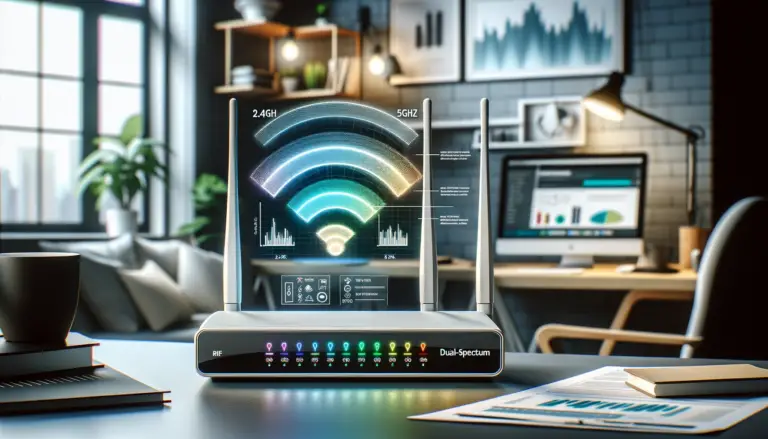
Discover how to separate 2.4 and 5GHz spectrum with our easy-to-follow guide. Maximize your Wi-Fi speed and performance in a few simple steps. Get started now!

Internet and TV Services
Discover how to separate 2.4 and 5GHz spectrum with our easy-to-follow guide. Maximize your Wi-Fi speed and performance in a few simple steps. Get started now!
A practical, up-to-date guide to splitting 2.4 GHz and 5 GHz on Xfinity gateways using the Xfinity app or, where available, the Admin Tool—plus key notes for XB7/XB8, xFi Pods, and 6 GHz.
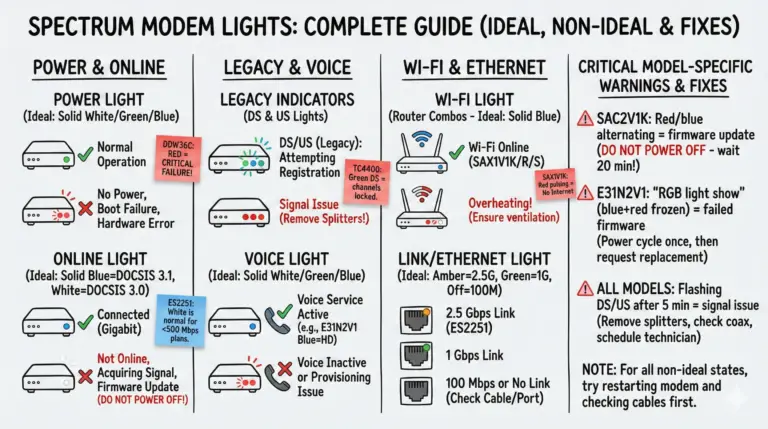
Quickly decode Spectrum modem and router lights by color and pattern, then follow simple, reliable fixes to restore your connection.
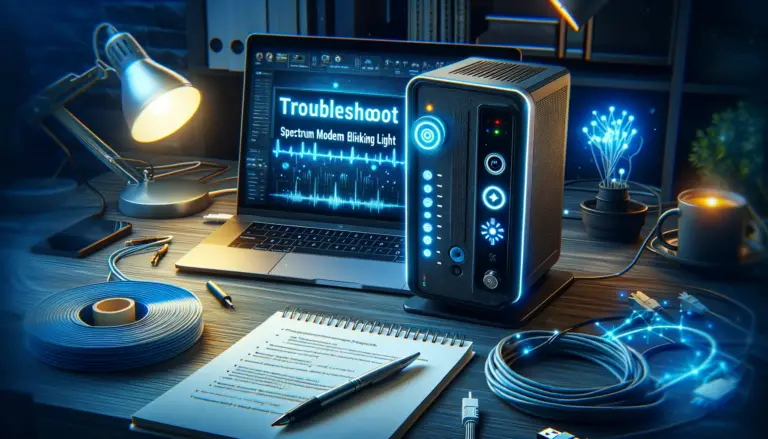
If you see your Spectrum modem blinking white and blue online light, it means it can't connect to the internet. Learn how to troubleshoot and fix this common issue.
Resolve your Spectrum router red light issue with our expert guide. Step-by-step troubleshooting for a stable connection.
Explore our detailed guide on the Spectrum router login process. Get troubleshooting tips, learn how to enhance Wi-Fi performance, and maintain strong network security!
Solve the mystery of your Cox router modem blinking green. Learn the causes and get step-by-step troubleshooting tips in this quick guide.
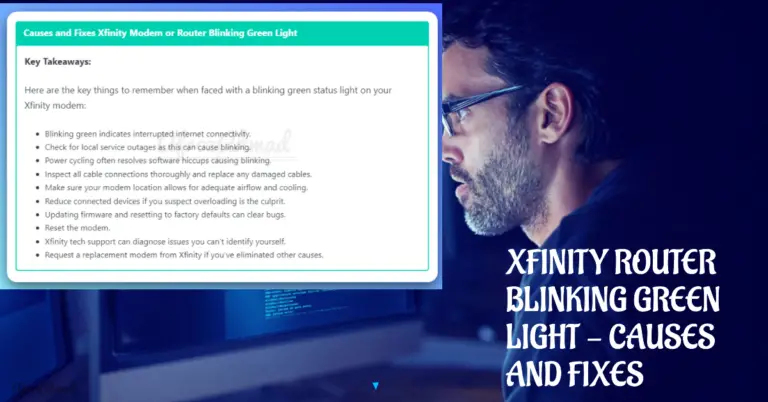
Seeing a blinking light on your Xfinity modem or xFi Gateway? Learn what blinking white vs. green means by model and follow quick, proven fixes.
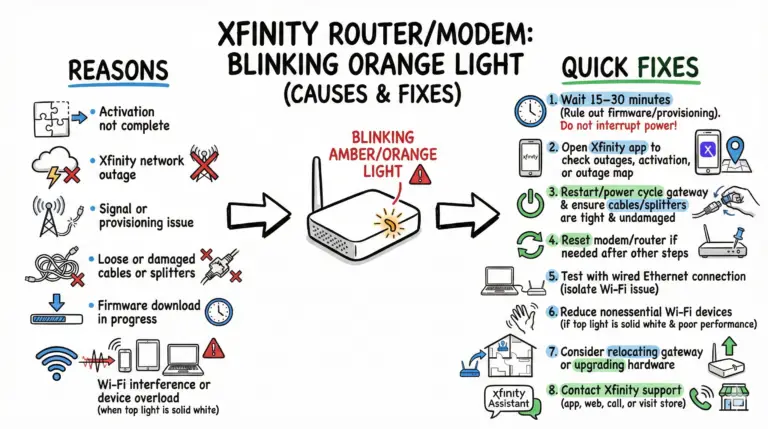
Blinking yellow/amber (orange) on an Xfinity gateway usually means no network connection or activation isn’t complete. Start by waiting 15–30 minutes, check outages in the Xfinity app, then reboot.
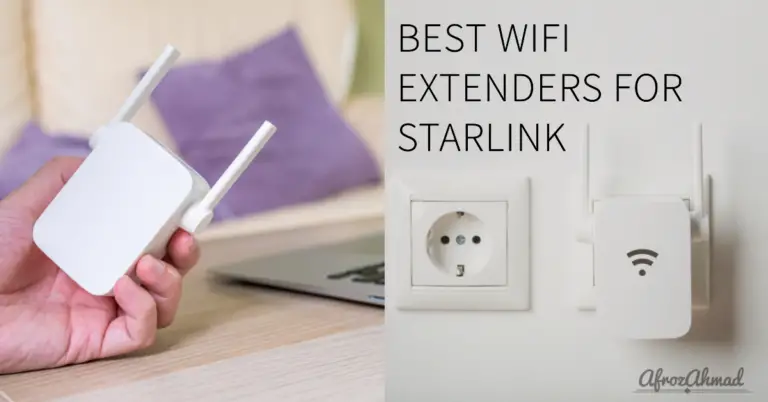
Eradicate dead zones with the best Starlink WiFi extenders of 2024. Perfect for large homes and gamers.