How to Self Install Mediacom Internet: A Step-by-Step Guide

Get connected with Mediacom Internet on your own terms. Our guide makes self-installation simple and fast – no technician needed!

Get connected with Mediacom Internet on your own terms. Our guide makes self-installation simple and fast – no technician needed!
Mediacom requires a high-split DOCSIS 3.1 modem and lists two compatible retail models. What is approved, what is not, and what you need alongside it.
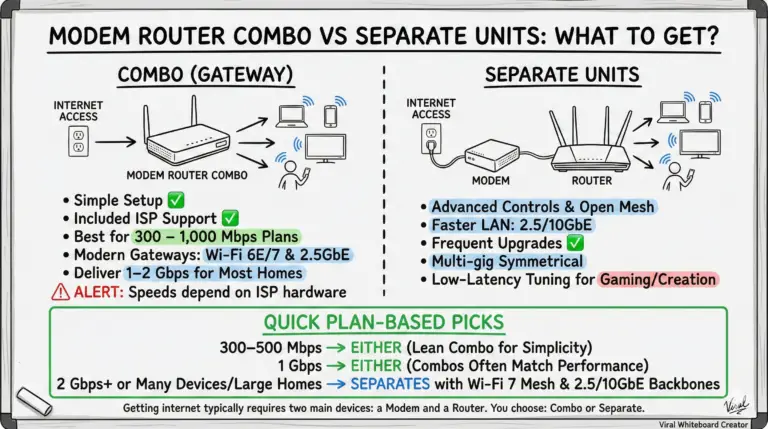
Deciding between a modem‑router combo (gateway) and separate devices? Use this quick plan‑based guide with Wi‑Fi 7, DOCSIS 4.0, and fiber ONT realities to choose the right setup for your home.
Discover the best modem router combo for Sparklight users. Enhance your internet experience with top-rated, compatible devices for seamless connectivity.
Find the best CenturyLink-compatible modem router combos with clear guidance on bonded vs single‑pair DSL, Wi‑Fi 6, Ethernet WAN for fiber, and which legacy units to avoid.
Find the best modem router combos for Cox Internet. Boost your connectivity with top-rated, compatible devices for seamless streaming and gaming.
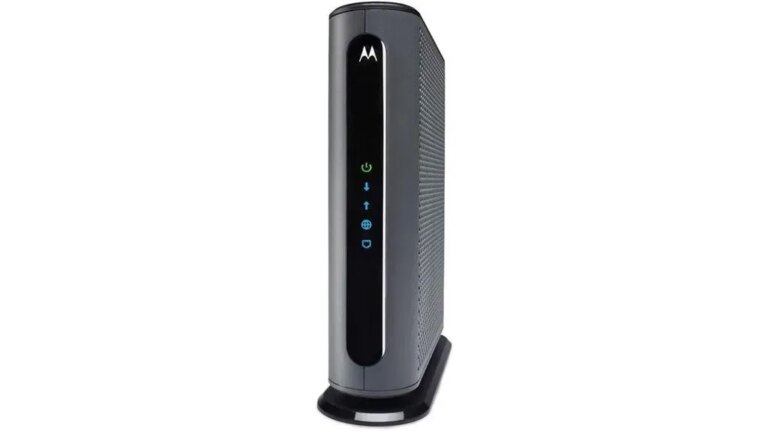
Spectrum authorizes 26 modems and combos up to 1 Gig and 7 up to 500 Mbps. The full lists, plus the Home Phone, symmetrical-tier and technician-support rules.
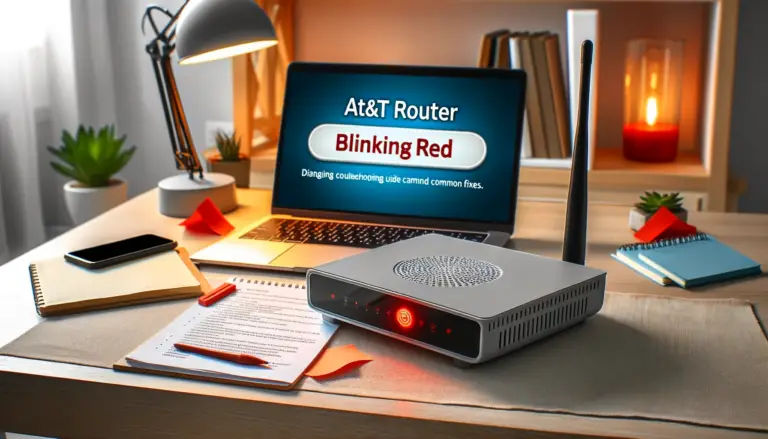
This guide explains the most common reasons your AT&T router status light goes from glowing green to blinking red. I'll outline helpful self-diagnosis tips and step-by-step troubleshooting instructions for getting your home internet up and running again quickly.
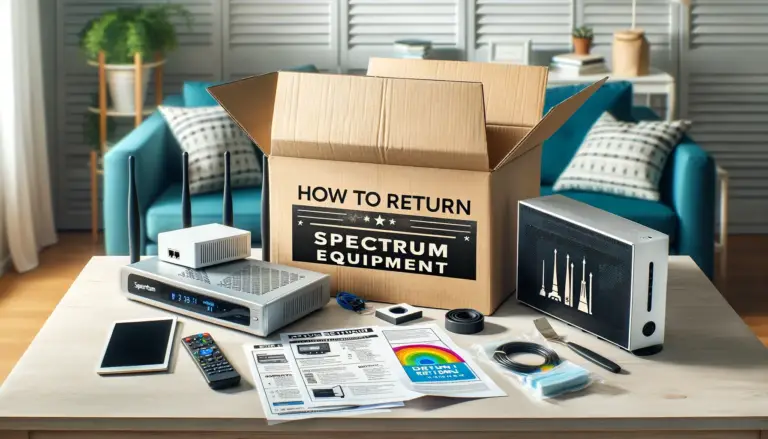
Spectrum equipment return options include UPS, home shipment kits, or in-store drop-offs. Returning leased equipment to Spectrum is important when canceling services to avoid additional charges.
We'll explain each method in detail for easy equipment return and to avoid additional charges. Stay tuned for straightforward instructions and tips.
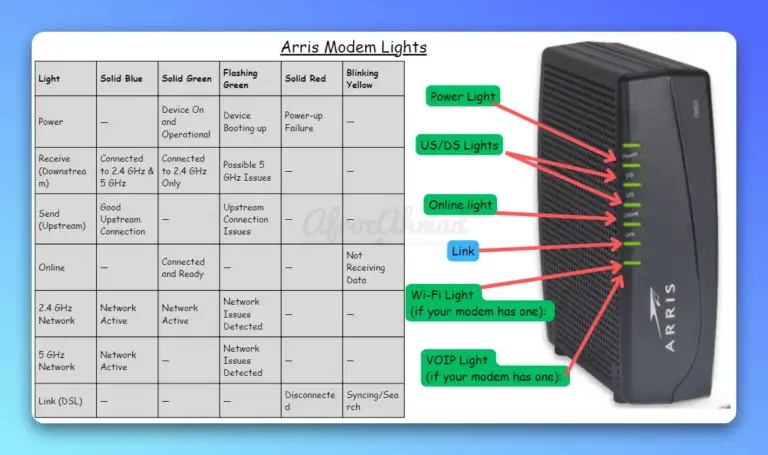
Clear, model‑aware explanations of Arris modem and gateway LEDs—including SB8200, S33, and SBG8300—plus quick fixes and when to call your ISP.